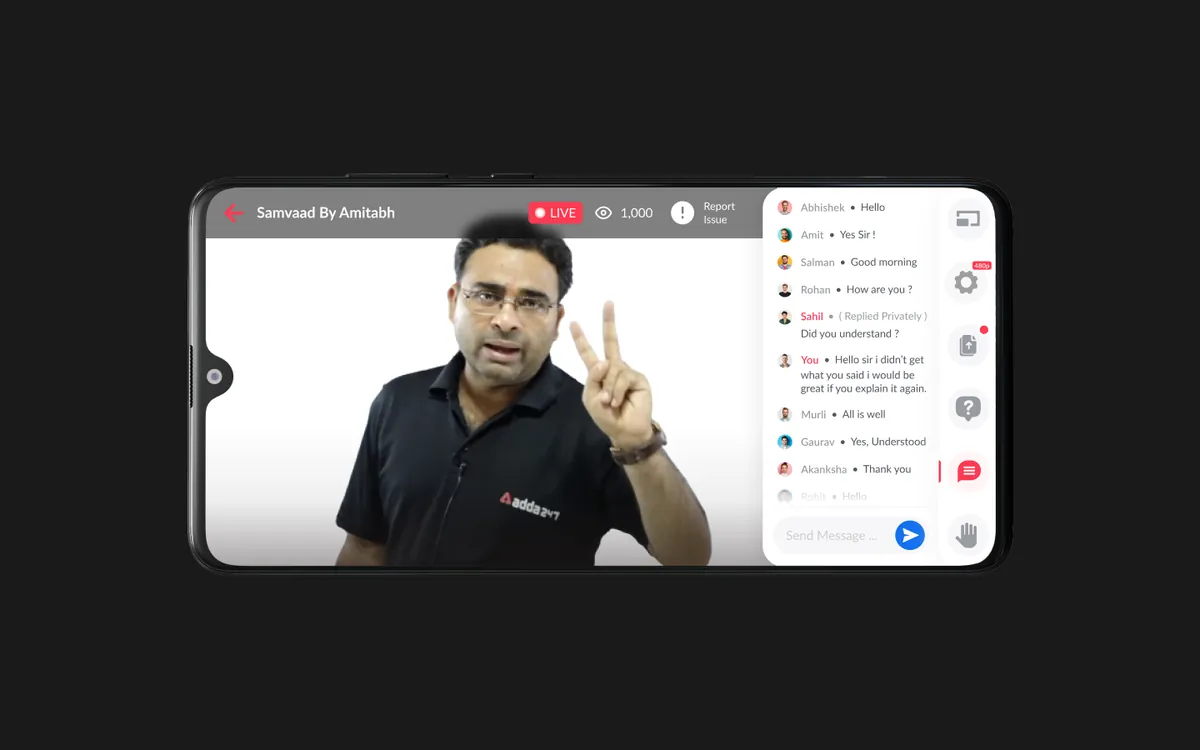
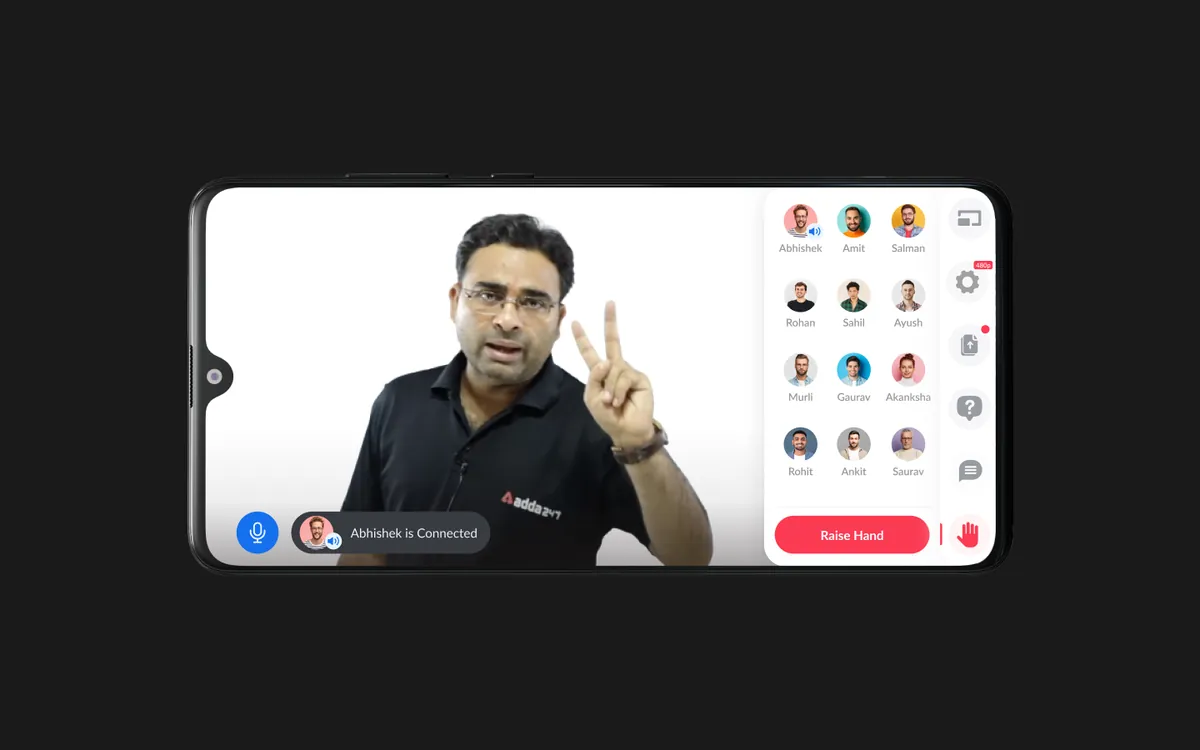
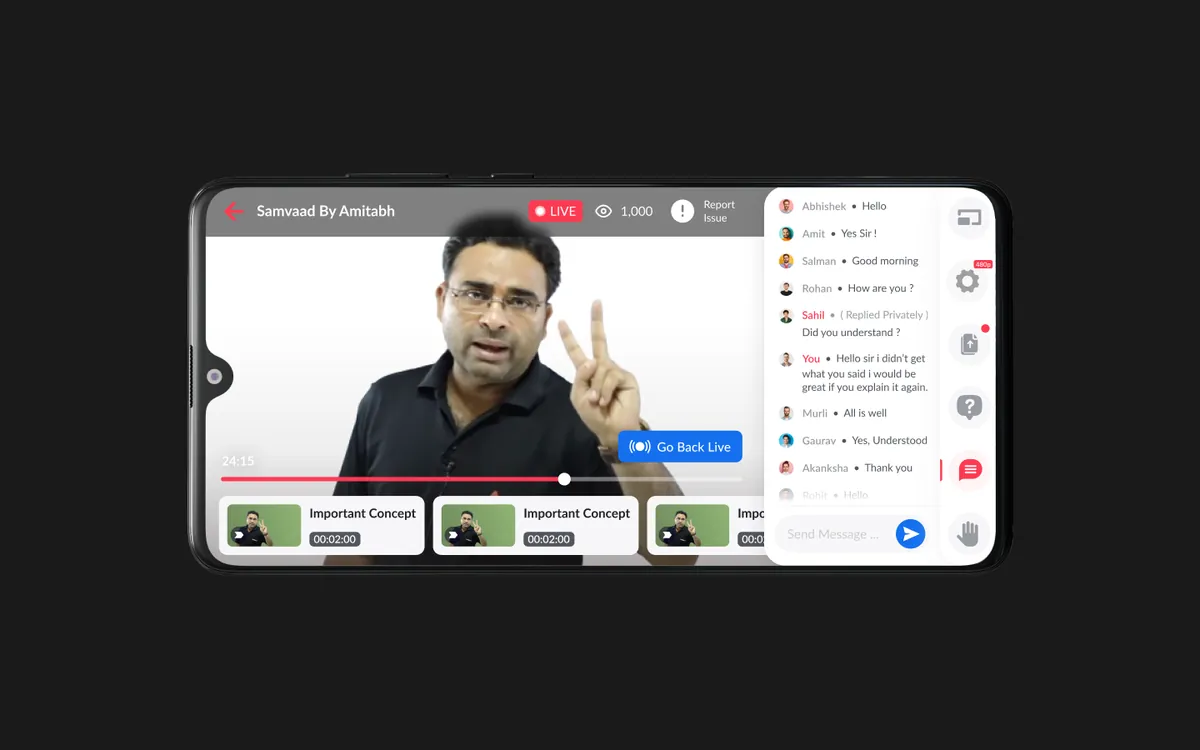
 Let's Chat!
Let's Chat!
Let's Chat!
In-house live streaming module replacing third-party services — built for real-time interaction, content sharing, and meaningful student-teacher engagement.
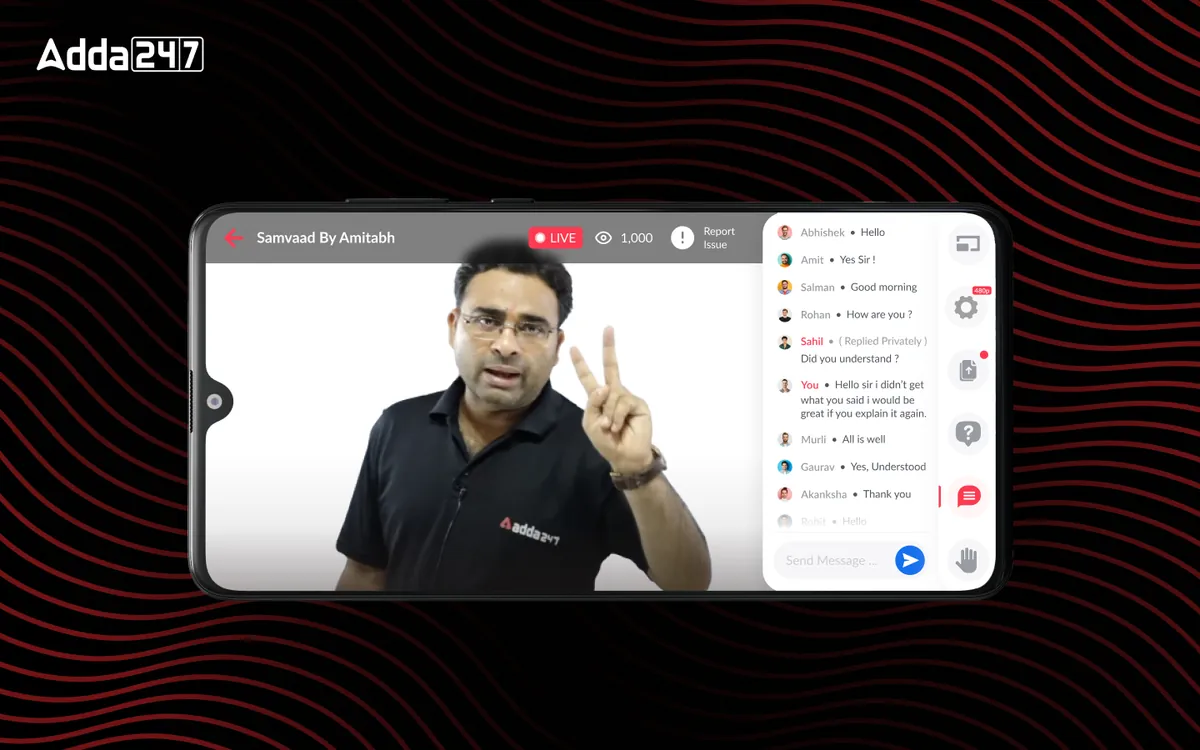
Adda 247 relied on third-party streaming services for live classes, which created a fragmented learning experience. Students had to switch between apps, engagement was passive, and the platform had no control over the streaming quality or features. We designed a fully integrated in-house live class module that transforms passive video watching into active, interactive learning sessions — complete with real-time Q&A, in-class polls, resource sharing, and attendance tracking.
Third-party streaming was unreliable, expensive, and completely disconnected from the learning platform. Students would join a Zoom-like call, passively watch the teacher, and have no way to interact meaningfully with the content being taught. There was no mechanism for teachers to share PDFs, slides, or practice questions during the live session — they had to upload materials separately, creating a disjointed experience.
Engagement metrics were alarming: average session duration was only 12 minutes despite classes being 60-90 minutes long. Students would join, watch briefly, and leave — there was no reason to stay engaged. Teachers had no way to gauge comprehension in real-time, ask poll questions, or identify which students were struggling. The lack of integrated attendance tracking also meant there was no accountability or motivation for consistent participation.
From a business perspective, the third-party streaming costs were significant — eating into margins on a per-student basis. More critically, the poor live class experience was a major factor in low conversion from free to paid tiers, since live classes were a key premium differentiator that wasn't delivering on its promise.
We studied leading streaming platforms — Zoom, Google Meet, Twitch, and proprietary EdTech solutions like Unacademy and BYJU's — to understand the landscape of live learning interfaces. We conducted interviews with 30 teachers and 100 students to map their ideal live class experience. Key finding: teachers wanted tools to check comprehension mid-class, while students wanted the ability to ask doubts without interrupting the flow. We also analyzed bandwidth constraints across tier-2 and tier-3 cities where most users lived.
We designed an interaction model that supported five parallel activities: video streaming, live chat, Q&A queue, resource sharing, and poll/quiz participation. The challenge was fitting all of this into a single screen without overwhelming the user. We created a priority-based layout system where the most relevant panel expands based on context — when the teacher launches a poll, the poll panel auto-expands; when a doubt is being answered, the Q&A panel takes focus. Attendance tracking ran silently in the background.
We built interactive prototypes testing three different layouts for the video + content + chat trifecta. Layout A was a traditional sidebar chat; Layout B used a bottom drawer for interactions; Layout C employed a floating panel system. We tested each with 15 students in simulated live class conditions. Layout C won — students appreciated the ability to resize and reposition panels based on their preference. We also prototyped the teacher-side interface, ensuring they could manage polls, resources, and Q&A without interrupting their teaching flow.
We created adaptive layouts optimized for mobile-first experience, since 78% of students attended live classes from phones. The mobile design used a tabbed interface switching between video, chat, and resources — keeping each context clean and focused. Bandwidth optimization was a key design consideration: we designed graceful degradation states for low-bandwidth scenarios, including audio-only mode with slide sync. The handoff package included 45 screens, micro-interaction specifications, and edge-case documentation for network interruptions and reconnection flows.
A fully integrated live class experience that transforms passive video watching into active, participatory learning. The interface adapts fluidly between teaching modes — lecture, Q&A, quiz, and resource sharing — with each mode optimizing the screen layout for the current activity. Teachers have a dedicated control panel for managing class flow, launching polls, pinning important messages, and tracking student engagement in real-time.
The recording and playback system captures not just the video but the entire interactive experience — including chat timeline, poll results, and shared resources — so students who missed the live session get a near-identical experience during replay. Smart notifications remind students of upcoming classes, and a post-class summary automatically generates highlights and key takeaways.
Teachers can launch instant comprehension checks during the session. Results appear in real-time, letting teachers adjust pace based on understanding levels.
A structured Q&A queue where students submit doubts, upvote popular questions, and get answers without disrupting the class flow for everyone.
Teachers share PDFs, slides, and practice questions directly within the class interface. Students can bookmark, download, and annotate shared materials in real-time.
Automated attendance based on active participation time, not just join/leave timestamps. Streak tracking motivates consistent class attendance.
Full-fidelity recording capturing video, chat, polls, and resources in a synchronized playback experience — with speed controls and chapter markers.
Seamless experience across phone, tablet, and desktop with responsive layouts. Start on your phone during commute, continue on desktop at home.