 Let's Chat!
Let's Chat!
Let's Chat!
Comprehensive upgrade of the online test-taking experience for competitive exam students — from question navigation to performance analytics.
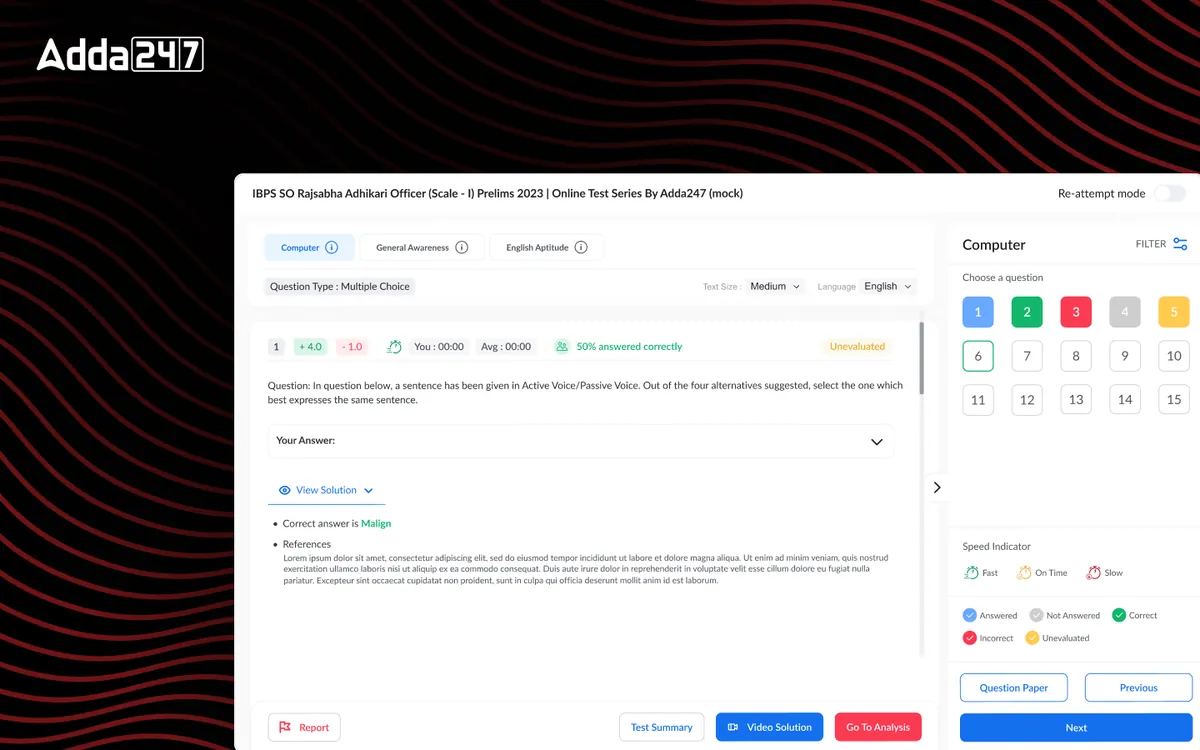
Adda 247's test series is the backbone of its competitive exam preparation platform, used by millions of students daily to practice mock tests for SSC, Banking, Railways, and other government exams. The existing test player was functional but dated — it created unnecessary friction during high-stakes practice sessions. Students struggled with navigation, lost track of time, and had limited insight into their performance after completing tests. We saw an opportunity to transform this core experience into something that genuinely helps students perform better under pressure while providing actionable post-test analytics.
Students found the existing test interface confusing and anxiety-inducing. The UI did not simulate real exam conditions, which meant students were unprepared for the actual test environment when exam day arrived. Navigation between questions was clunky — requiring multiple clicks to move between sections — which caused unnecessary time loss during timed practice sessions.
Performance analytics were limited to basic score summaries. Students had no way to identify their weak areas, track improvement trends over time, or understand which question types consumed the most time. This meant study time was spent inefficiently, with students re-practicing topics they already knew well while neglecting areas that needed attention.
Support tickets related to the test series module accounted for nearly 40% of all customer queries — ranging from confusion about question status indicators to inability to resume interrupted tests. The business impact was clear: low test completion rates, poor retention after initial sign-up, and negative app store reviews citing the test experience specifically.
We conducted in-depth interviews with 50+ students across different exam categories — SSC, Banking, and Railways aspirants — to understand their pain points during mock tests. We analyzed completion rate data across 10,000+ test sessions to identify exact drop-off points. Competitive analysis of 8 rival platforms revealed industry best practices and gaps. We also shadowed 15 students during live test sessions, documenting every moment of confusion, hesitation, or frustration.
We mapped the complete test-taking journey from test selection through to performance review — a flow spanning 23 distinct screens. Through this mapping, we identified 12 critical friction points in the existing journey, including redundant confirmation screens, unclear question status indicators, and a confusing section-switching mechanism. We redesigned the navigation hierarchy to prioritize the most common actions: answering, flagging, skipping, and reviewing questions.
We created low-fidelity wireframes for the test player, question navigator, section timer, and results dashboard. Three distinct layout approaches were explored — sidebar navigation, bottom-bar navigation, and an overlay panel approach. Each was prototyped as an interactive Figma prototype and tested with 20 students in moderated usability sessions. The sidebar approach won decisively, with 85% of testers finding it the most intuitive for tracking progress during tests.
The final visual design system introduced a calming color palette to reduce test anxiety, clear typographic hierarchy for readability under pressure, and prominent but non-distracting progress indicators. We delivered pixel-perfect screens for all 23 flows, a comprehensive component library with 60+ reusable components, and detailed interaction specifications. Developer handoff included annotated Figma files, a behavior specification document, and weekly sync sessions during the 6-week build phase.
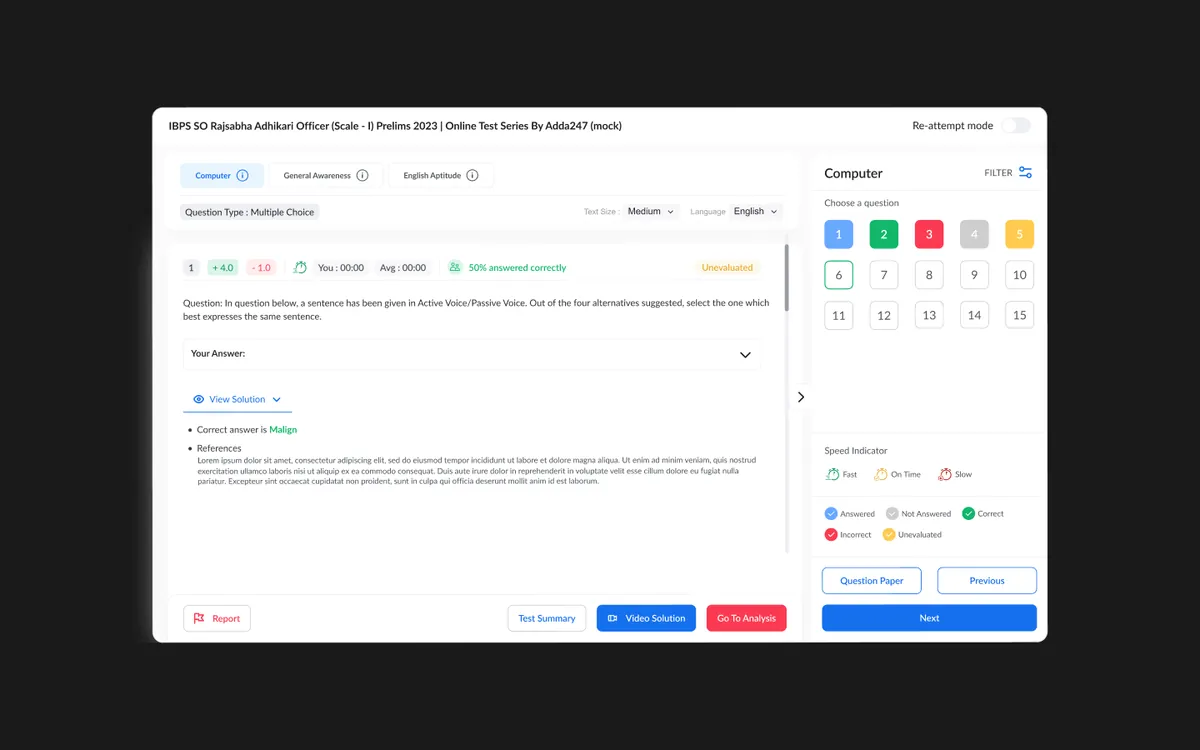
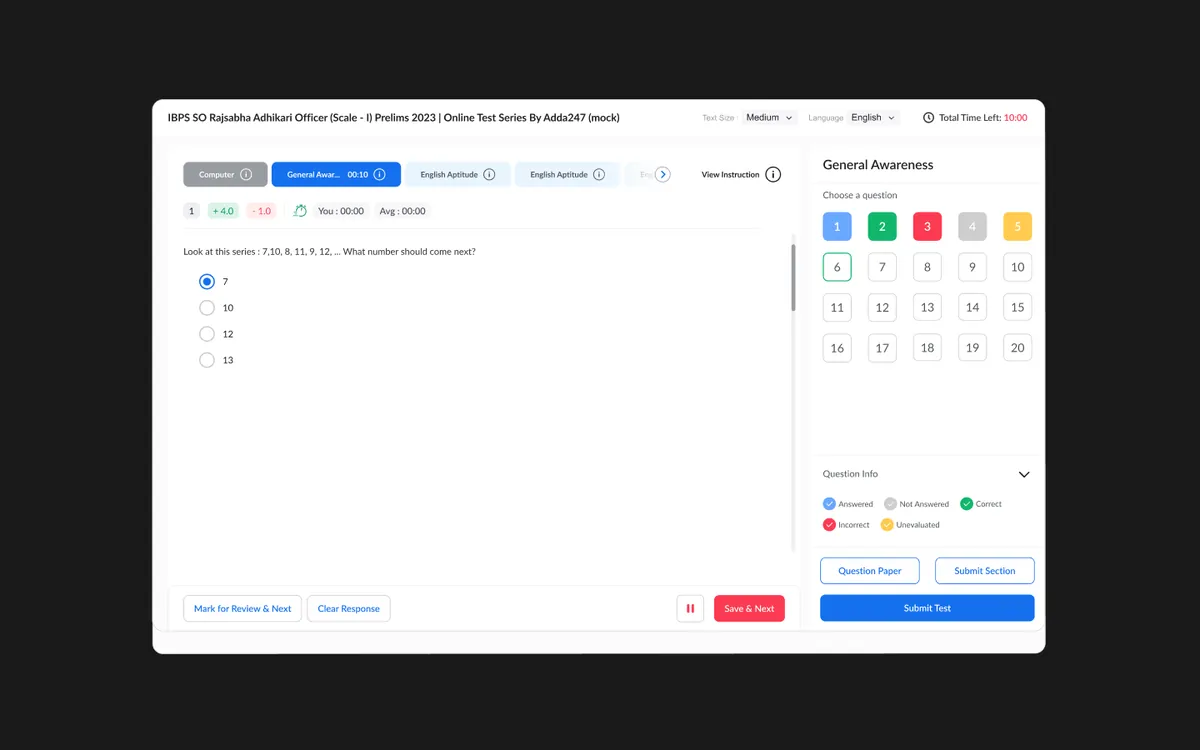
We reimagined the test player from the ground up with a focus on reducing cognitive load during high-pressure timed sessions. The new interface features a persistent sidebar with a visual question map showing answered, unanswered, flagged, and skipped questions at a glance. Section-wise timers help students allocate time strategically across different parts of the exam.
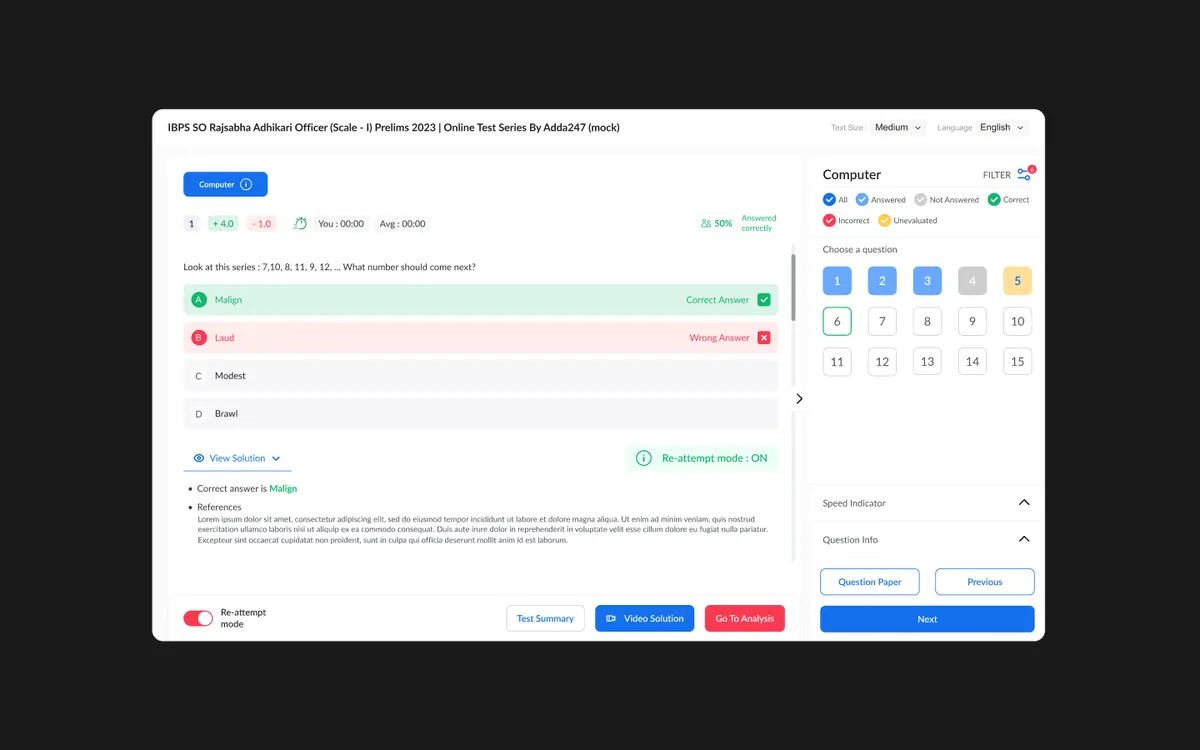
The post-test analytics dashboard was completely rebuilt to provide actionable insights — not just scores. Students can now drill down into time-per-question analysis, accuracy by topic, difficulty-level performance, and comparative rankings against peers. An intelligent recommendation engine suggests which topics to focus on based on historical performance patterns, turning raw data into a personalized study plan.
A persistent visual question map showing answered, unanswered, flagged, and skipped questions — providing instant awareness of test completion status without breaking focus.
One-click navigation to any question with color-coded status indicators and keyboard shortcuts for power users, reducing navigation time by 60%.
Individual countdown timers for each test section with visual warnings at threshold points, helping students allocate time strategically across the exam.
Post-test dashboard with time-per-question analysis, topic-wise accuracy, difficulty breakdown, and peer comparison — turning scores into study strategies.
Full-screen distraction-free mode that mirrors actual exam conditions including section locks, time limits, and negative marking — preparing students for reality.
Comprehensive post-test review with detailed solutions, the ability to retry only incorrect questions, and spaced-repetition reminders for weak topics.