
B2B SaaS product design for complex workflows
In B2B software the user often didn't choose your product and can't easily leave it, so every friction point becomes a support ticket, a renewal risk or a reason your internal champion stops advocating. This is the category we work in most.
Why SaaS products become difficult to use
SaaS products become difficult to use because they grow by accretion: each feature is added where there is room, navigation built for version one has to absorb version ten, and edge cases such as permissions, bulk actions and very large accounts are handled one at a time instead of designed as a system.
The buyer is not the user. A VP signs the contract; an operations team lives in the product all day. Design that impresses in a demo and exhausts in daily use produces exactly the churn that shows up at renewal.
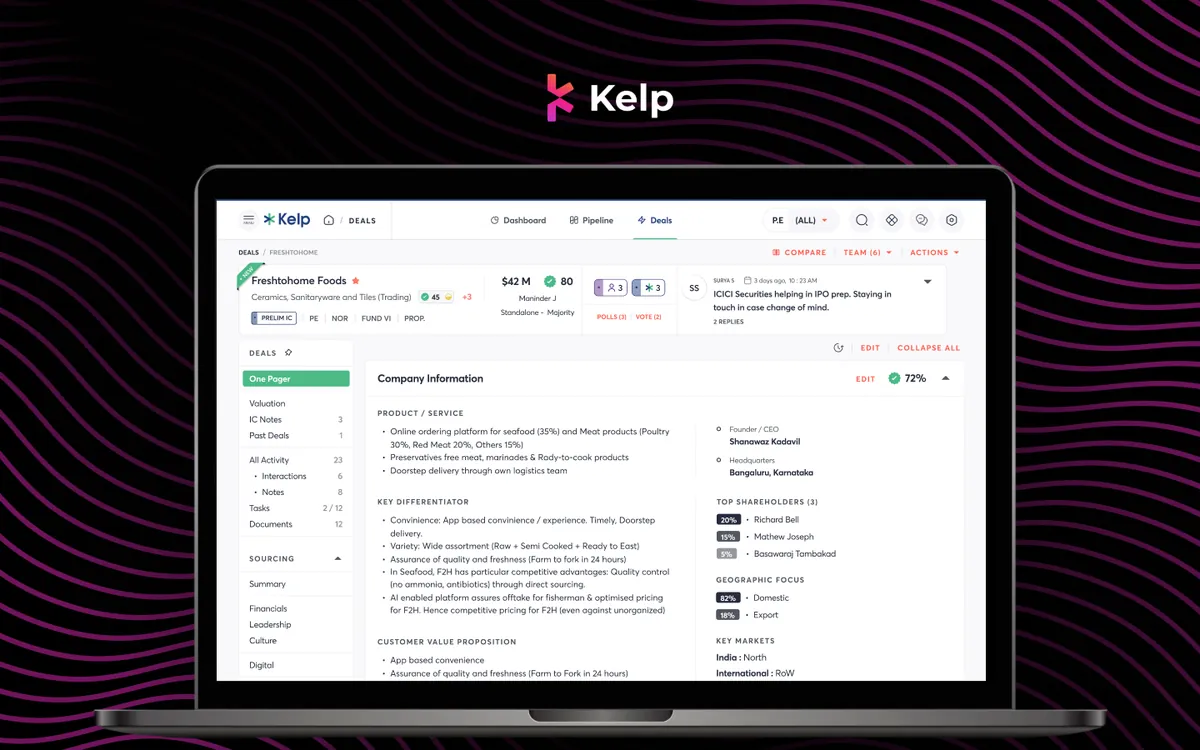
Density is a requirement, not a failure. B2B users often need everything on screen because the job requires it; the skill is making it legible through hierarchy, grouping and progressive disclosure.
SaaS UX challenges we work on
Onboarding
Mapping the first action that predicts retention and designing the shortest credible path to it.
Dashboards
Hierarchy for dense operational screens, designed against production data volumes.
Navigation
Structures that can absorb new capability without burying it.
Feature adoption
Making valuable features discoverable at the moment they are useful.
Permissions
Admin, member, guest and SSO states designed as first-class experiences.
Design systems
One system across a suite, so customers don't relearn conventions between products.
Research, redesign and audit
Understand the real workflow
We interview users doing real work, because in B2B the internal picture of the user is often years out of date. UX research.
Restructure, then restyle
Most B2B usability problems are structural, so information architecture and flows come before visual design. Product redesign.
Find what to fix first
A fixed-scope, two-week audit ranks every issue by impact and effort. UX audit.
Frequently asked questions
What makes B2B SaaS design different from consumer product design?
The user did not choose the product and cannot easily leave, so frustration becomes support cost and renewal risk. Information density is a requirement. And edge cases such as permissions, bulk actions and huge datasets are the everyday experience. Consumer design instincts mislead in all three.
How do you design dashboards without making them cluttered?
By treating hierarchy as the design problem rather than volume. We establish a clear primary read, group by task rather than data source, and use progressive disclosure for depth rather than for hiding.
Which B2B SaaS metrics does design actually move?
Most reliably activation rate, time-to-first-value, feature adoption and support-ticket volume. Design influences retention and expansion too, with a longer lag.
Do you work with our existing design system?
Usually, yes. Extending what you have is almost always cheaper than replacing it, and we only recommend a rebuild with specific evidence.
How long does a SaaS engagement take?
A single surface, such as onboarding or one dashboard, runs three to five weeks. A full product redesign with a design system is typically ten to twelve weeks.
Bring the screen your users complain about
In 30 minutes we'll walk through it and tell you what we'd change first, whether or not you hire us.