
SaaS product design for complex B2B products
We design the parts of a B2B SaaS product where usability turns into revenue: onboarding, dashboards, dense workflows and the design system that keeps them consistent as you ship. Every engagement starts with research and is run by senior designers end to end.
What makes SaaS UX difficult?
SaaS UX is difficult because the buyer is rarely the user, the work is dense by necessity, and the edge cases (permissions, bulk actions, partial data, very large accounts) are everyday reality rather than exceptions.
A VP signs the contract; an operations team lives in the product all day. Design that impresses in a demo and exhausts in daily use produces exactly the churn that surfaces at renewal, long after anyone can trace the cause.
Consumer design instincts say remove things. B2B users often need everything on screen because their job requires it. The skill is making dense information legible through hierarchy, grouping and progressive disclosure, not hiding it behind clicks that slow experts down.
When does a SaaS product need redesign?
Not every problem needs a redesign. These signals usually mean the structure, not the styling, has stopped working.
Users sign up and never activate
Signups look healthy but the drop between first login and first real action is steep. Onboarding was built around the data model, not around what a new user is trying to do on day one.
The dashboard shows everything and says nothing
Years of feature requests have produced a screen dense with data and empty of hierarchy, so the product gets used as a report generator instead of a workflow tool.
Every screen looks like a different product
Several designers and contractors later, there are five button styles and no shared spacing. Enterprise buyers read the inconsistency as unreliability.
Enterprise deals stall at the demo
The product does what it promises, but complexity surfaces too early and procurement teams can't picture using it.
New features have nowhere to go
Navigation was designed for the first version. Each addition is squeezed in wherever there is room, and discoverability falls with every release.
SaaS problems we help solve
- Onboarding friction: the first session asks for effort before it shows value
- Complex navigation: structure that cannot absorb new capability
- Dashboard overload: everything visible, nothing prioritised
- Feature discovery: valuable features most customers never find
- Inconsistent UI: the same pattern built five different ways
- Permissions and roles: admin, member and guest states designed as afterthoughts
- Dense workflows: bulk actions, tables with thousands of rows, keyboard-heavy power use
- Legacy UX: an older core that newer modules have to work around
- Adoption friction: rollout that makes your internal champion look bad
SaaS product design process
For a SaaS redesign, we usually map the highest-friction workflows before changing the interface, because redesigning screens without understanding the underlying workflow tends to preserve the original problem.
Research
Interviews with your actual customers, session review and analytics, synthesised into where users stall and why.
Information architecture
How the product is organised, named and navigated, tested before any visual design.
UX design
Flows and interaction design for the core jobs, including permissions, bulk actions and failure states.
UI design
Dense-but-legible layouts designed against real data volumes, not tidy demo content.
Design systems
Tokens, components and usage rules built as the work emerges, so new features become assembly, not redesign.
Prototyping
Interactive prototypes to test with users before code, and often to support enterprise sales conversations.
Validation
Usability testing of the riskiest flows with people who match your real customers.
Design handoff
Annotated specs, an engineering walkthrough and availability through implementation so the build matches the intent.
SaaS case studies
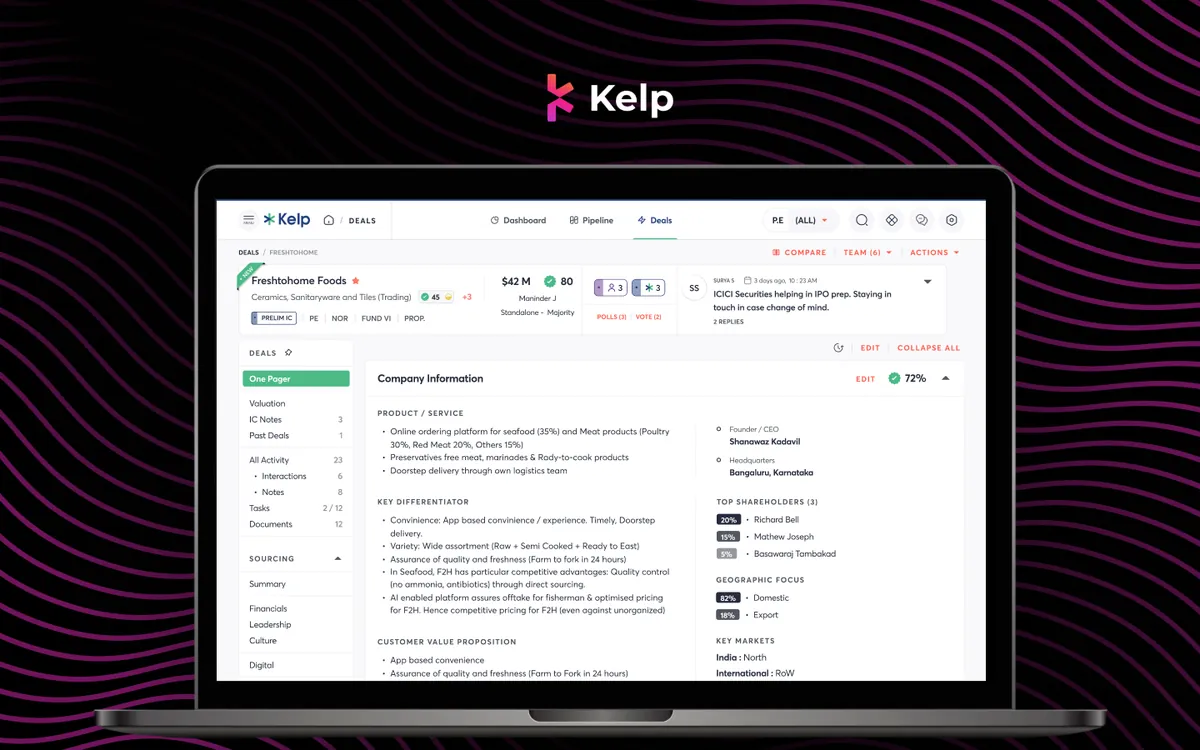
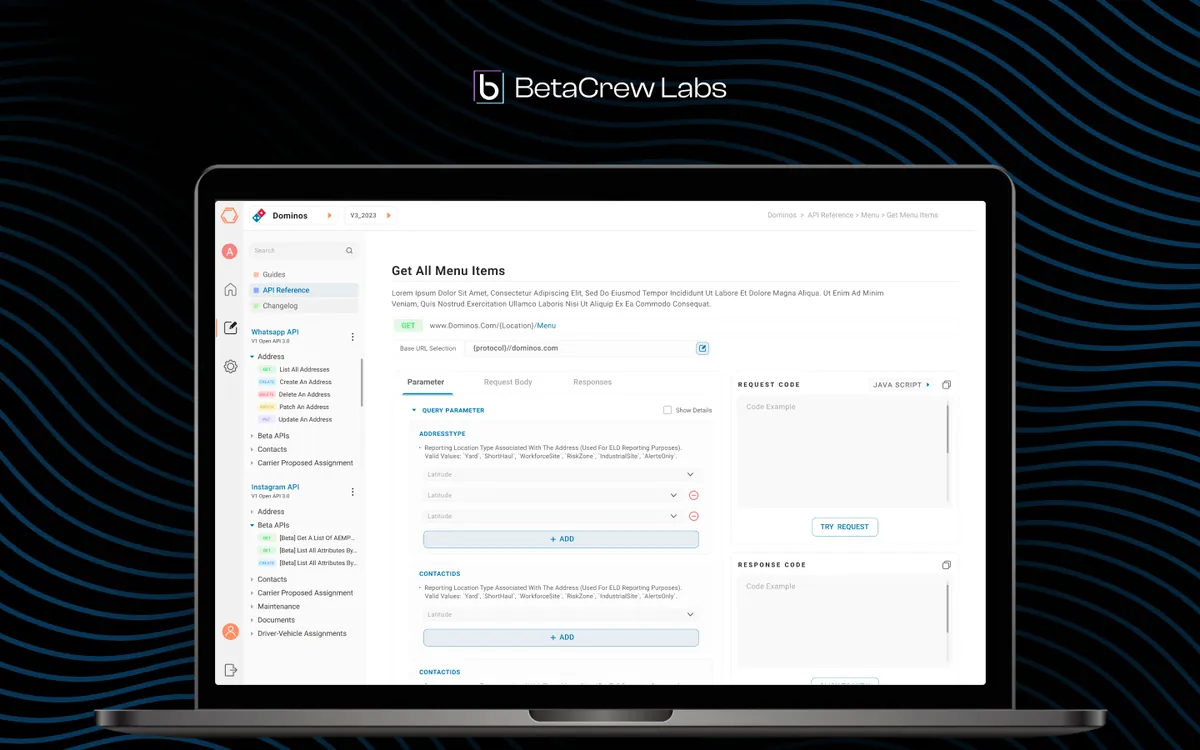
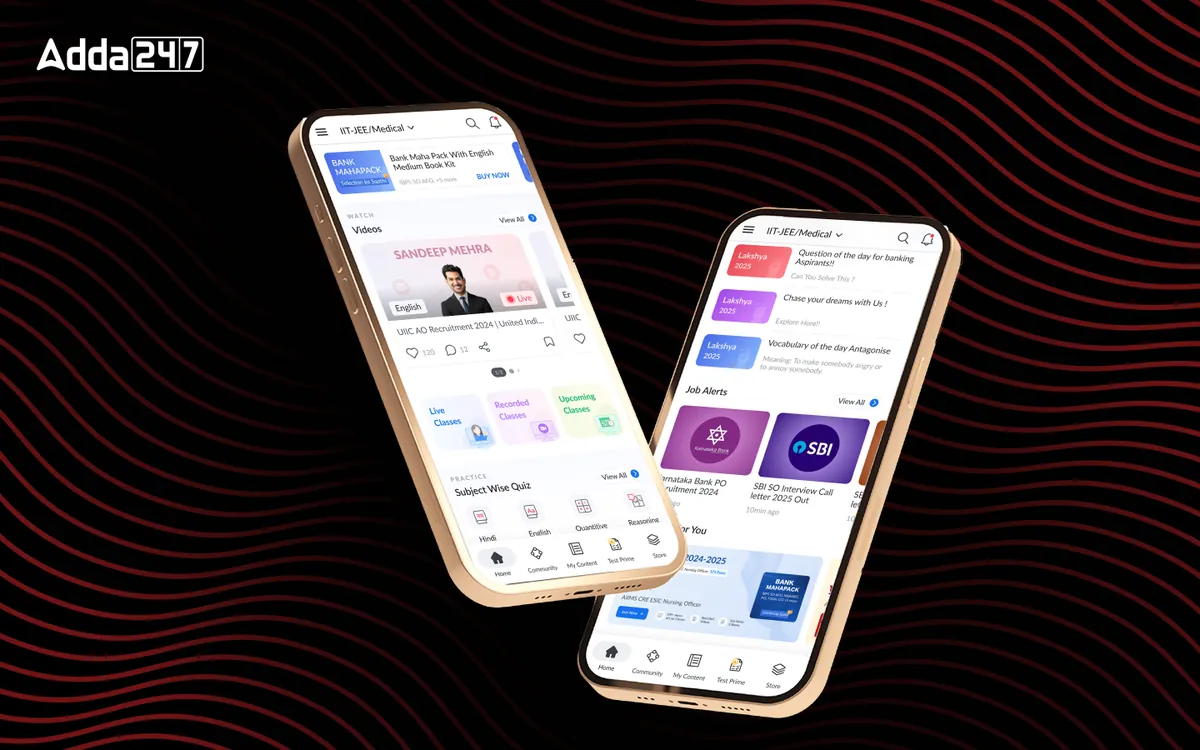
Data-heavy products where usability shows up in adoption and support load.
What does SaaS product design cost?
SaaS product design is quoted against a written scope, and the price is driven by how much of the product is in scope and how much research and system work it needs.
What moves the price: the number of surfaces (onboarding, dashboards, settings, admin); the depth of user research; whether you need a new design system or an extension of the one you have; how many roles and permission states the product supports; the platforms involved; and how much implementation support your engineers want.
Most SaaS teams start with a UX audit or one focused surface, then move to a retainer as the design system matures. International engagements are quoted in USD.
How long does a SaaS redesign take?
A focused piece of work, such as one onboarding flow or one dashboard, typically runs three to five weeks. A full product redesign with a design system is usually ten to twelve weeks.
You get a written scope with dates before we start, and design kickoff is normally within 48 hours of signature. We deliver in increments that match your release cadence rather than one large drop at the end.
SaaS product design FAQs
How is this different from hiring a general UI/UX agency?
Most agencies are strongest on marketing sites and consumer apps, where the design problem is attention. B2B SaaS is the opposite: users already want to be there, and design either removes friction from complex work or adds to it. We work mostly on dense, data-heavy product surfaces such as dashboards, workflows and admin tools.
How long does a SaaS product design engagement take?
A focused piece of work, such as an onboarding flow or a single dashboard, typically runs three to five weeks. A full product redesign with a design system is usually ten to twelve weeks. Design kickoff is normally within 48 hours of signature.
Do you work with our existing design system, or replace it?
Whichever is cheaper for you to live with. If you have a system that mostly works, we extend it and fix what is inconsistent. We only recommend rebuilding when the existing system is actively slowing delivery, and we show you the evidence first.
Can you work with our engineering team's stack and sprint cadence?
Yes. We design against your component library and framework constraints, join sprint ceremonies where useful, and deliver in increments that match your release cadence.
How do you measure whether the design worked?
We agree the metric before we start, usually activation rate, time-to-first-value, task completion or feature adoption. If the metric does not move, that is a design problem we own.
Who actually does the work?
Senior designers, from kickoff to handoff. There are no account managers relaying messages and no junior hand-offs after the pitch.
Do you sign NDAs and work with regulated data?
Yes to NDAs as standard. We design to your compliance requirements, including WCAG 2.1 AA accessibility where that is contractually required.
Let's look at your product together
Bring your dashboard or onboarding flow. In 30 minutes we'll tell you where users are likely dropping and what we would change first, whether or not you hire us.