
Kelp Global · Private markets
Kelp Plugin
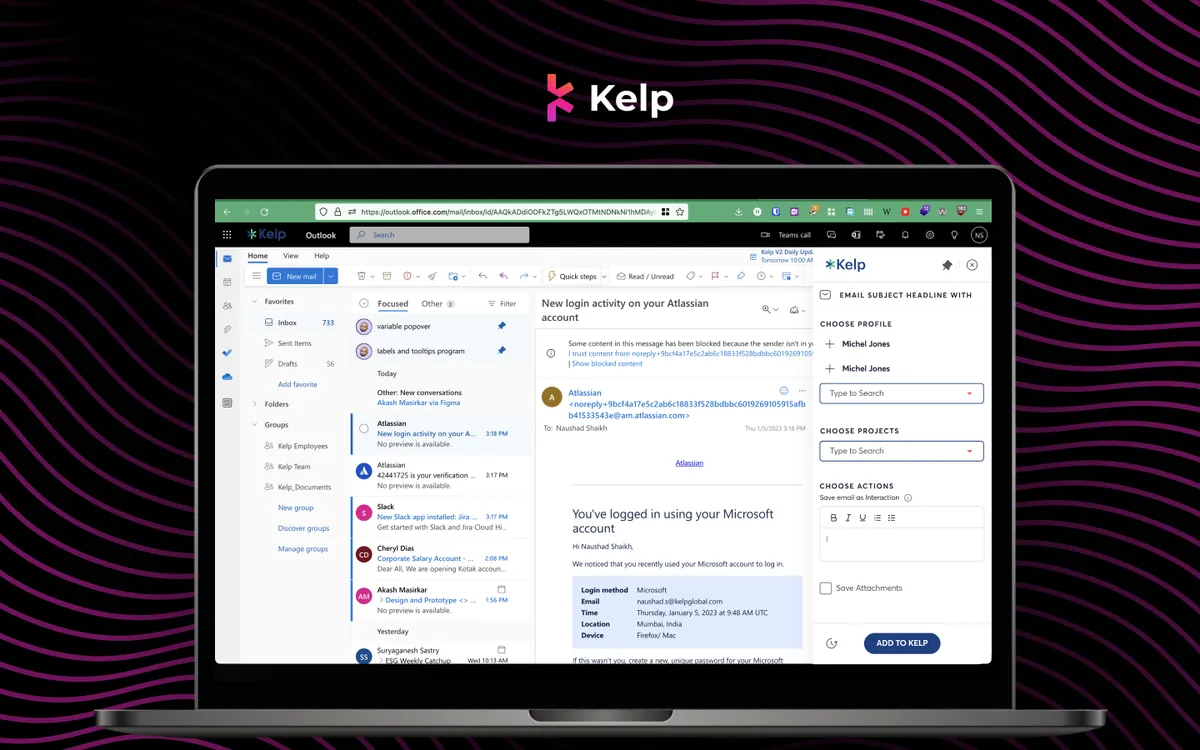
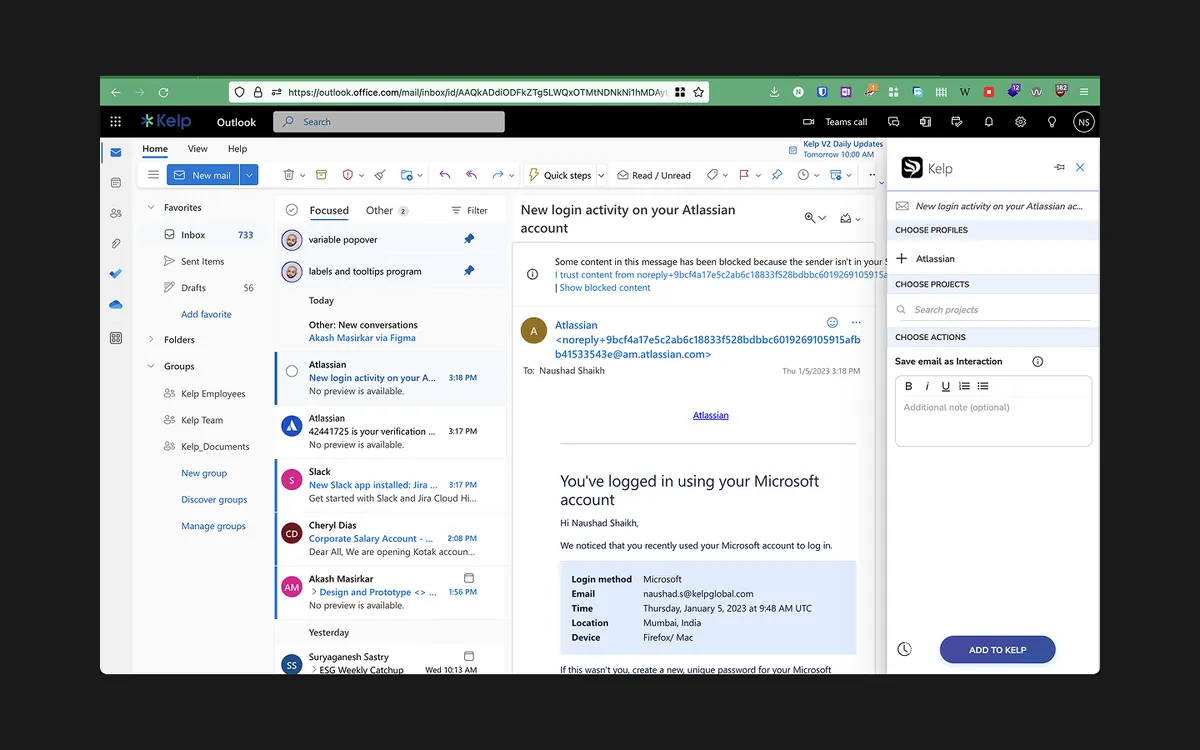
A plugin that works inside the inbox: tag an email's contacts, link it to the right deals, portfolio companies or companies, and save it with its attachments to Kelp in a few clicks.
Overview
Capture deal context where it arrives
For investment teams, most deal information arrives by email: a banker's teaser, a founder's update, a model in an attachment. The Kelp plugin opens as a panel beside the email and lets the user save it to Kelp in one pass: pick the people involved, link the deals or companies it belongs to, choose what to save, and add it.
We designed the panel to fit the inbox rather than compete with it: narrow, scannable and fast enough that saving to Kelp becomes a habit instead of a chore at the end of the week.
- Users
- Deal teams who live in email
- Tools
- Figma, Prototyping
Problem statement
How might we make saving an email to the right deal so quick, from inside the inbox, that the deal record stays complete without anyone chasing it?
Empathize
Who we designed for
Deal teams spend much of the day in email. Anything that asks them to leave it, open another tool and re-enter information tends not to happen.
Associates and analysts
Receive most of the deal flow and diligence material, and are expected to keep records up to date.
Partners
Hold relationships and conversations that the rest of the team needs to see, without being asked for them.
The firm
Wants relationship and deal history captured centrally, not trapped in individual inboxes.
Pain points
Important context lived in individual inboxes and never reached the shared record.
Saving an email to the right deal meant switching tools and copying details by hand.
One email often concerned several people and several deals or companies at once.
Attachments such as models and reports had to be downloaded and uploaded again.
The challenge
A second product inside someone else's
Limited space
The panel shares the screen with the inbox, so every control has to earn its place in a narrow column.
Many-to-many links
One email can involve several contacts and belong to a deal, a portfolio company and a company at the same time.
Speed over completeness
If saving takes more than a few seconds, people stop doing it. The flow had to be fast with good defaults.
Our approach
How we approached it
- Phase 01
Follow the email
We traced what happens to a deal email today: who receives it, what they do with it and where the information should end up.
That defined the three decisions the panel needs: who, which deal or company, and what to save.
- Phase 02
One panel, three steps
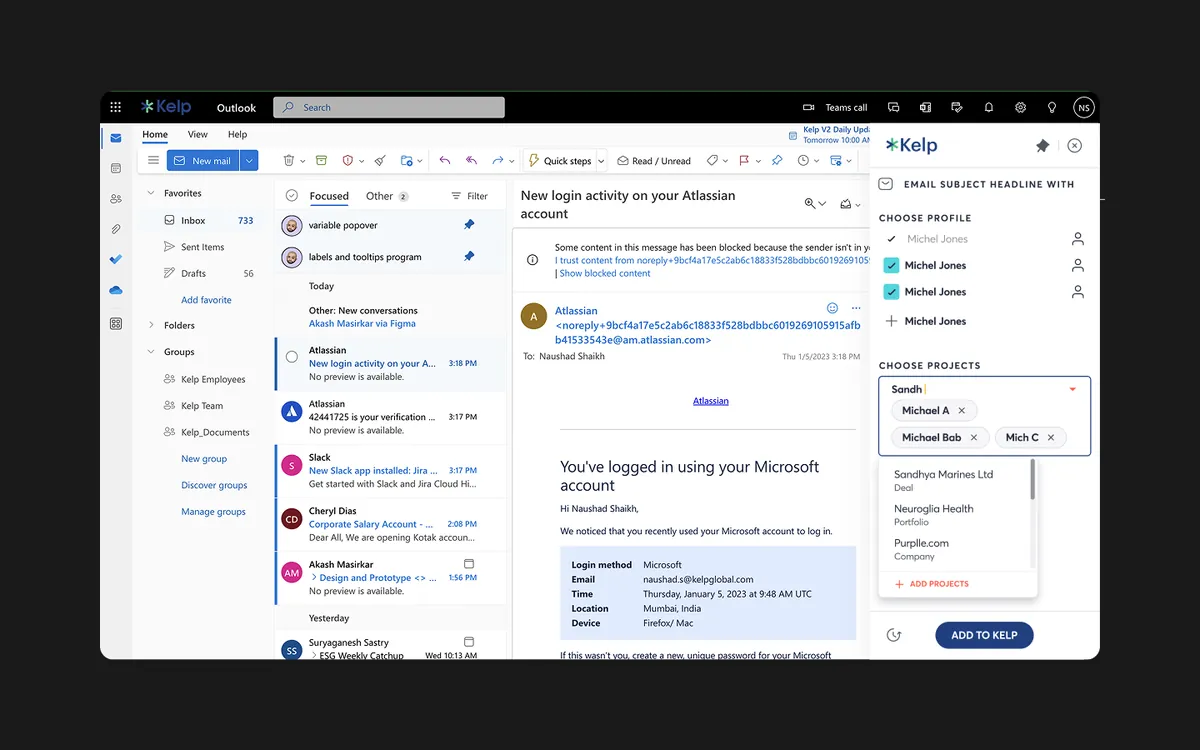
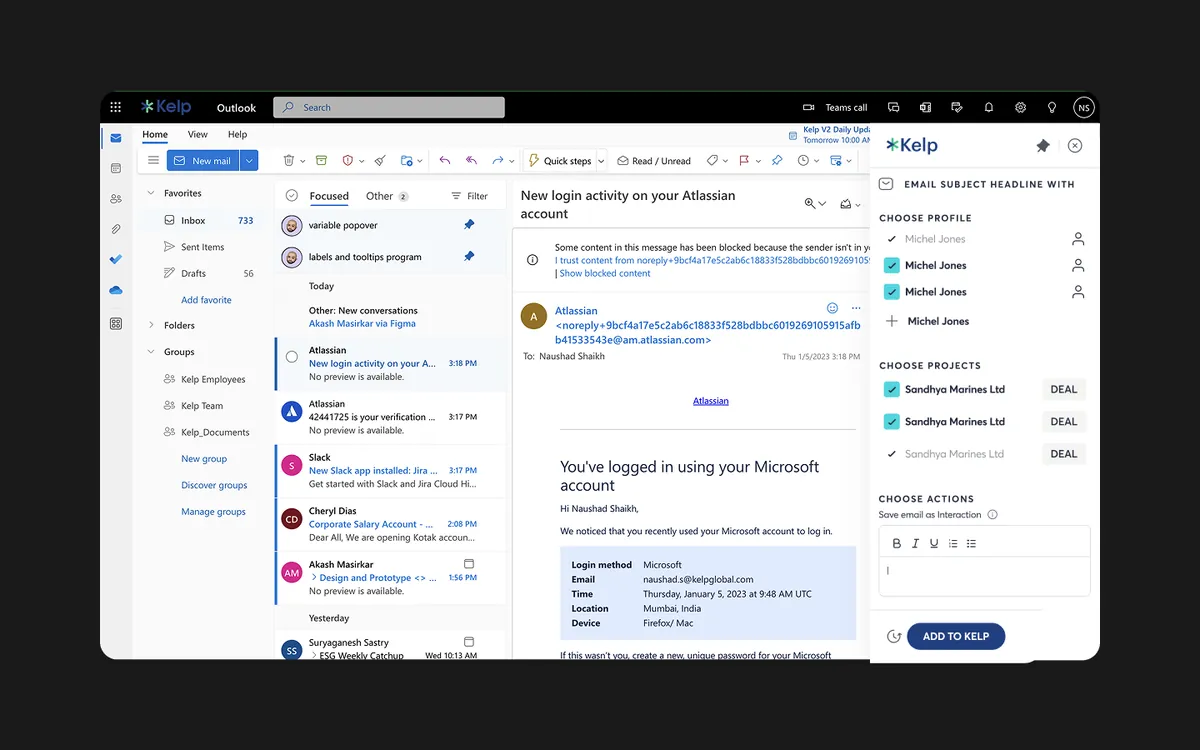
We structured the panel top to bottom: choose profiles from the people on the email, choose projects (deals, portfolio companies or companies), then choose actions such as saving the email as an interaction and keeping its attachments.
- Phase 03
Fast multi-select
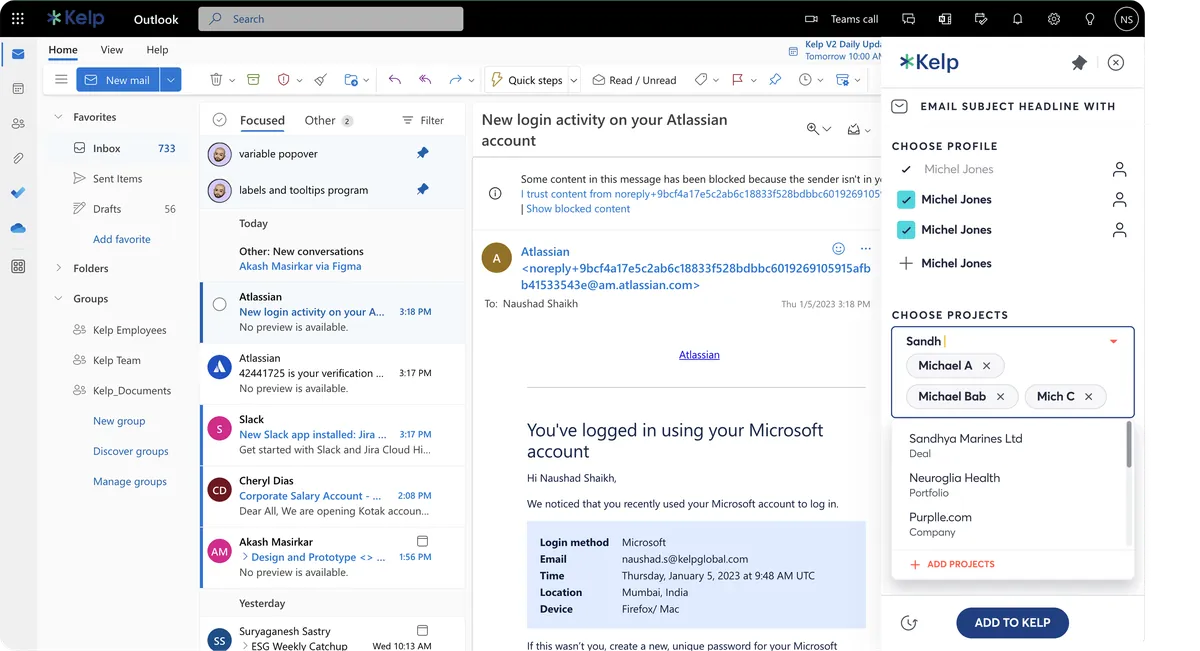
Project search shows each result's type, deal, portfolio or company, and selected items become removable chips, so linking an email to several records is quick and reversible.
- Phase 04
Fit the host and the system
We kept the panel visually quiet next to the inbox and built it from the same components as the rest of Kelp, so it feels like part of the product, not an add-on.
The experience we created
Save to Kelp in one pass
A side panel that turns 'I should log this' into a few clicks: the people on the email are suggested, deals and companies are a search away, attachments come along, and Add to Kelp files it all to the right records.
Choose projects
Search across deals, portfolio companies and companies, each labelled by type, and select several at once.
Save as an interaction
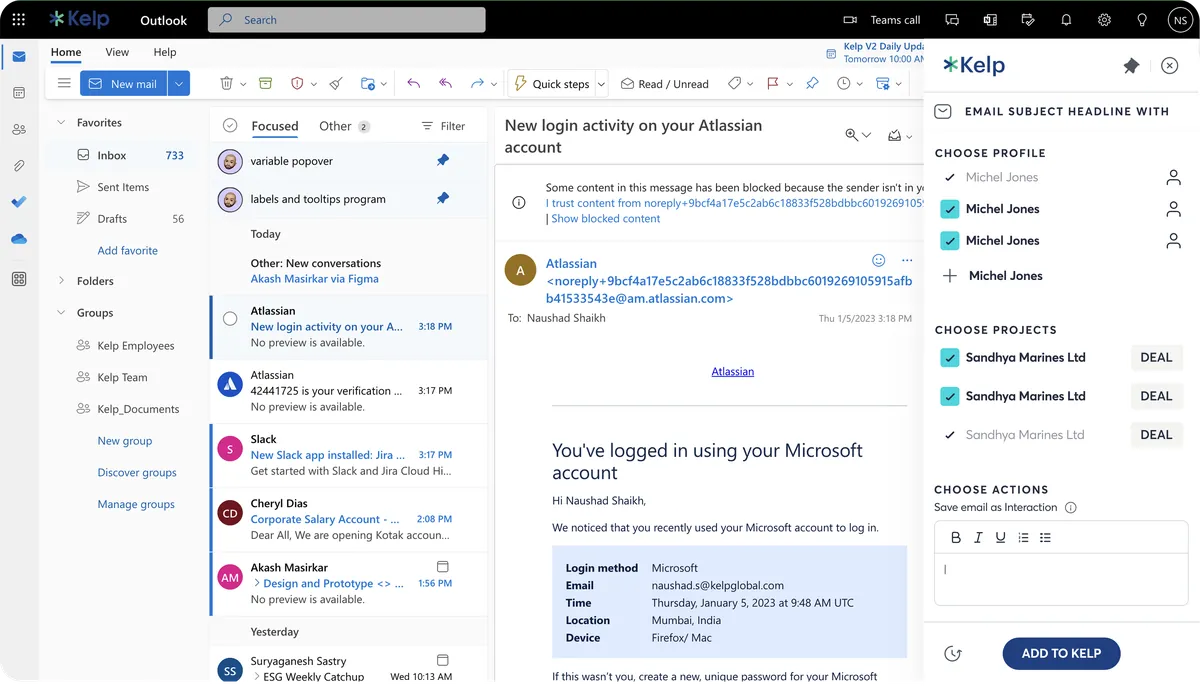
Log the email as an interaction on the selected records, so relationship history builds itself.
Keep attachments
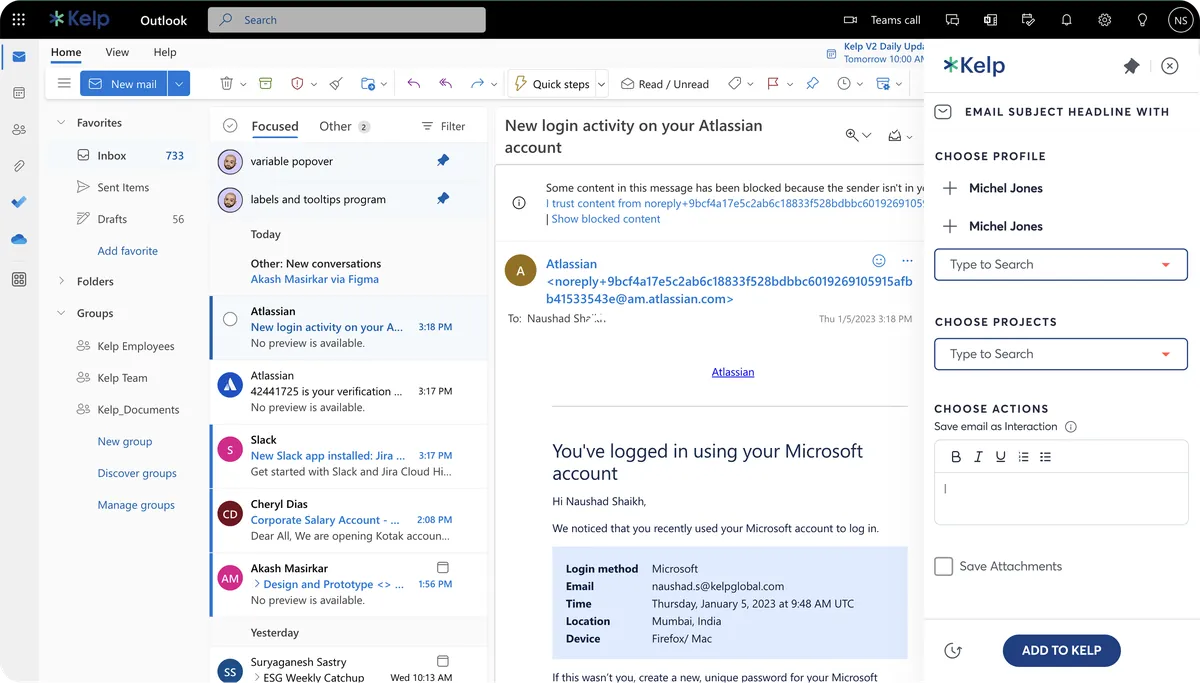
Save the email's attachments to Kelp along with the message.
What it includes
In-inbox panel
Opens beside the email, so users never leave their inbox to update Kelp.
Choose profiles
People on the email are listed for quick selection, so the right contacts are linked.
One clear action
A single Add to Kelp button at the end of the panel commits the whole selection.
Gallery
The plugin in the inbox
“Working with DesignIt on Kelp was a great experience. The team helped us simplify and communicate complex data in the most effective way, whether through tables, graphs, or visualisations. They were always approachable, collaborative, and open to exploring multiple solutions throughout the process.”
Frequently asked questions
What is the Kelp plugin?
A plugin that works inside the inbox: tag an email's contacts, link it to the right deals, portfolio companies or companies, and save it with its attachments to Kelp in a few clicks.
What problem did the Kelp plugin solve?
The panel shares the screen with the inbox, so every control has to earn its place in a narrow column. The question we set out to answer: How might we make saving an email to the right deal so quick, from inside the inbox, that the deal record stays complete without anyone chasing it?
How did Designit approach the Kelp plugin?
We worked in 4 phases: Follow the email; one panel, three steps; fast multi-select; fit the host and the system. We traced what happens to a deal email today: who receives it, what they do with it and where the information should end up.
Why do investment teams need an email plugin for their CRM?
Because most deal information arrives by email. If logging it means leaving the inbox, it gets skipped and the shared record goes stale. A plugin that saves the email, its contacts and attachments to the right deal from the inbox keeps the record complete.
How do you design a plugin panel that people actually use?
Make it narrow, fast and predictable: the same three steps every time, good defaults from the email itself, and one clear final action. Anything that slows down a busy inbox will be ignored.
How do you link one email to several deals or companies?
With searchable multi-select. In the Kelp plugin each search result shows whether it is a deal, a portfolio company or a company, and every selection becomes a chip that can be removed before saving.
What is relationship intelligence in private markets?
Capturing who the firm knows and how it has interacted with them, from emails and meetings, so the whole team can see relationships and history. Saving emails as interactions on the right records is how the plugin feeds that picture.
How long does a Designit engagement take?
A Design Sprint is delivered in 5 business days. Full product design engagements run 4–12 weeks depending on scope. Monthly retainers are ongoing, with one active request at a time and a 24-hour response time.
More projects
Keep exploring
Kelp Global
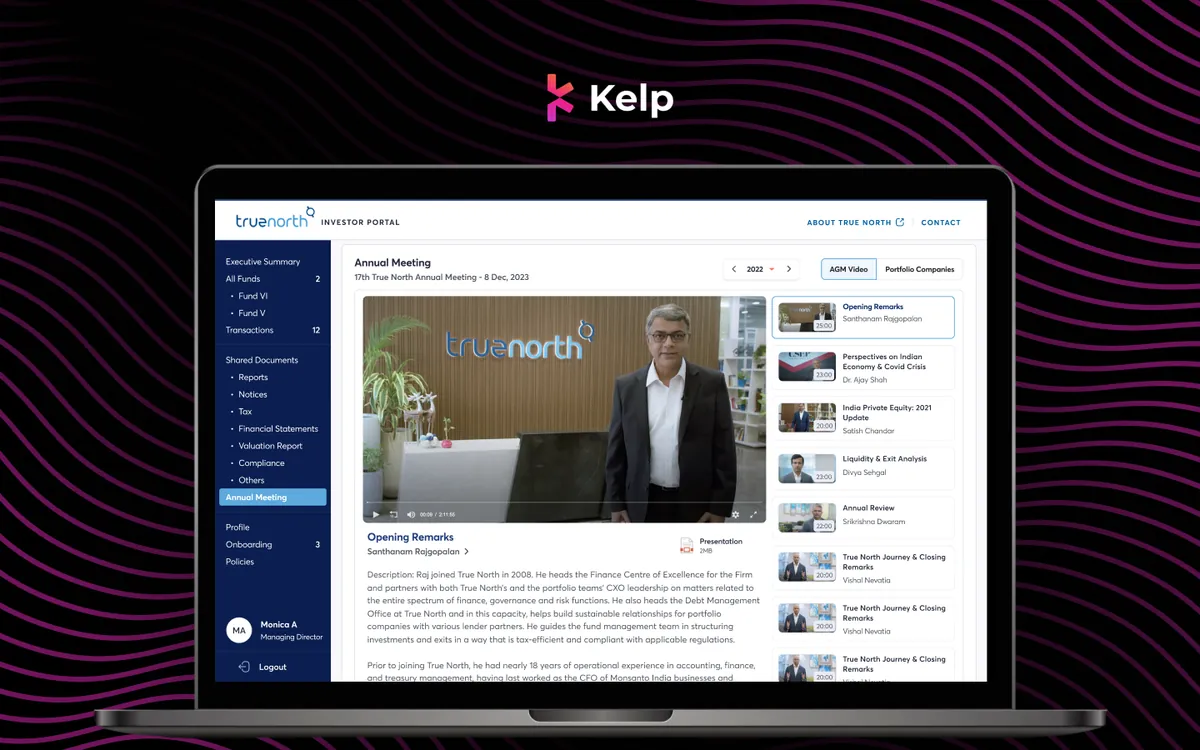
Truenorth Investor Portal
An investor portal for a private-equity fund: documents, portfolio companies and the annual meeting in one place.
View case study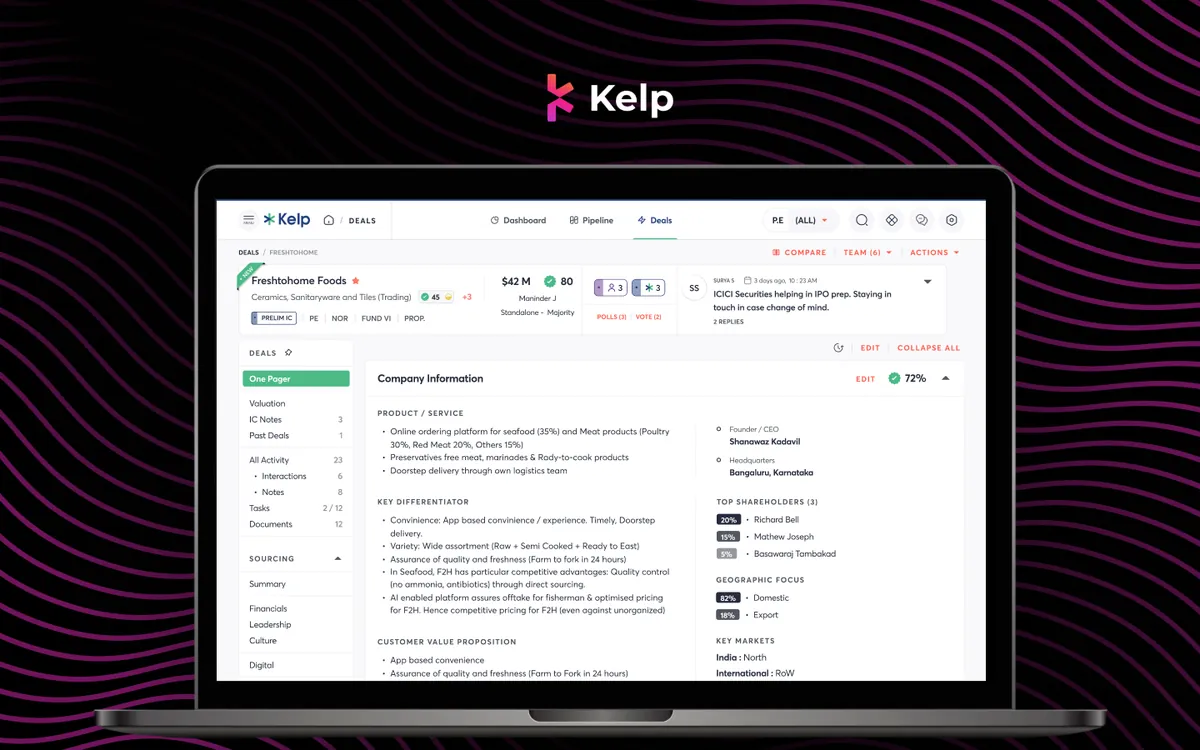
Kelp Global
Deals Module
Every deal's one-pager, IC notes, valuation and documents in one place, with companies compared side by side.
View case study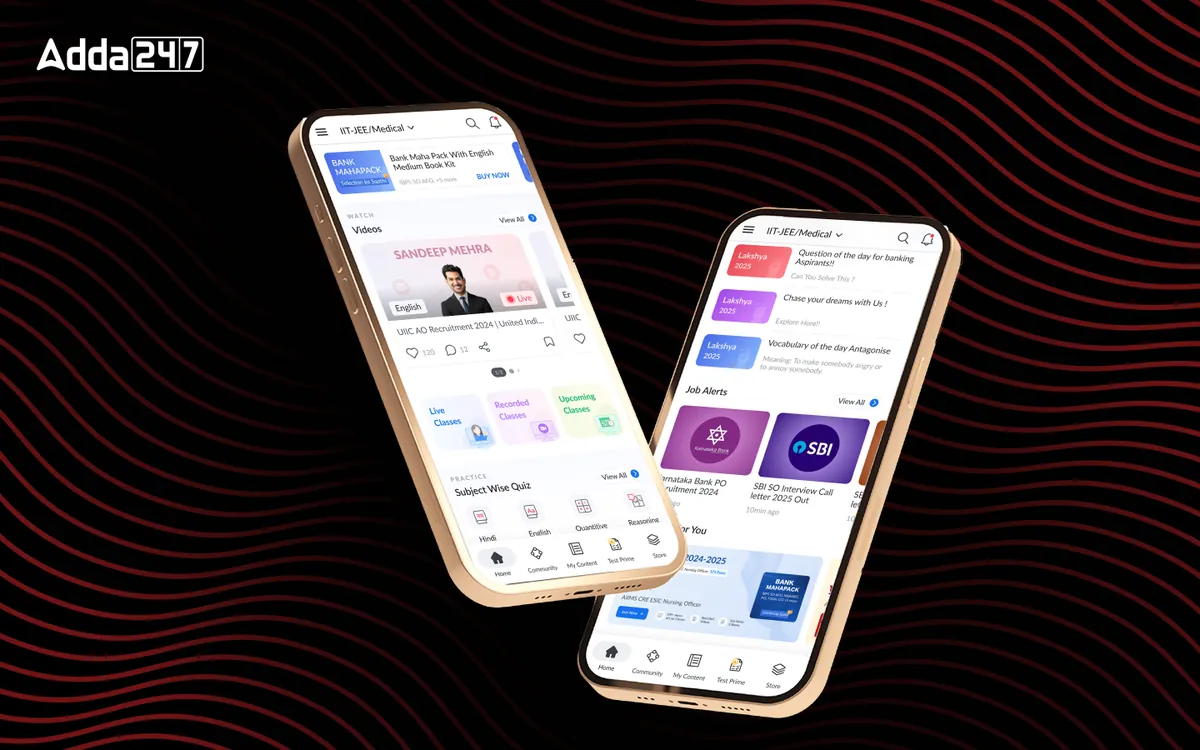
Adda247
Homepage Revamp
A cluttered feed turned into a home organised around Watch, Practice and Read.
View case studyHave a similar problem?
Tell us what is not working. We'll tell you where we would start, and whether we're the right partner for it.