
Adda247 · EdTech
Community Module
Building a collaborative community for peer-to-peer learning — enabling doubt resolution, study groups, and gamified knowledge sharing.
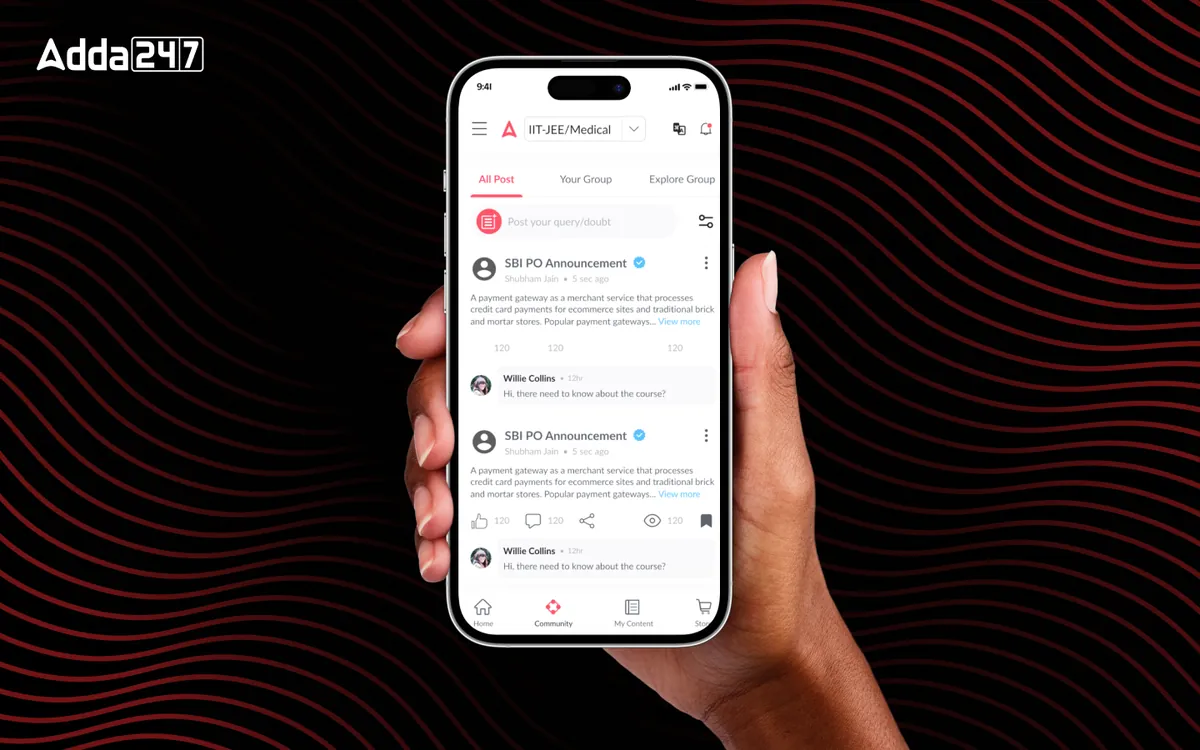
Overview
The Challenge & Opportunity
Competitive exam preparation is traditionally a solitary journey, with students studying in isolation for months or even years. Adda 247 had a massive user base of millions of aspirants, but no mechanism for them to connect, help each other, or learn collaboratively. We designed a community module that transforms isolated study into a social, collaborative experience — combining the best elements of Q&A platforms, study groups, and gamification to create a vibrant learning community that keeps students engaged and supported throughout their preparation journey.
- Tools
- Figma, Prototyping
- Category
- EdTech
- Services
- Social Design, Gamification, Community UX
Problem statement
How might we turn months of solitary exam preparation into something students do together, where doubts get answered quickly and good contributors are recognised?
Empathize
Who we designed for
Aspirants already gathered on Telegram groups and Q&A sites. The opportunity was to give them that community where their study material already lives.
Students with a doubt
Need an answer in minutes, not days, from someone who knows the topic.
Top performers
Have strategies and shortcuts worth sharing, and want recognition for helping.
Community managers
Need moderation, quality signals and reputation tracking to keep it useful.
Pain points
Students had no peer support while preparing for exams.
Doubts waited on a teacher's reply for hours or days.
Without a social reason to return, app use faded after the first weeks.
Valuable tips from strong students had no place to be shared.
The Problem
What Needed to Change
Studying alone, waiting for answers
Students prepared in isolation with no peer support system. When they encountered a difficult concept or a tricky question, their only option was to wait for a teacher's response — which could take hours or days. This led to frustration, stalled progress, and a sense of loneliness that is well-documented in educational psychology as a major factor in dropout rates. Students preparing for the same exam had no way to connect, share strategies, or motivate each other.
Engagement that faded after sign-up
Engagement dropped significantly after the initial sign-up enthusiasm. Students would download the app, explore content for a few weeks, and then gradually stop opening it. There was no social hook — no reason to come back beyond personal discipline. Competitor platforms and general social media were capturing attention because they offered the social interaction and community feeling that Adda 247 lacked. The platform was a content library when it needed to be a learning community.
Knowledge with nowhere to go
There was also no mechanism for knowledge sharing. Top-performing students had valuable insights about study strategies, shortcut techniques, and exam patterns, but there was no way for them to share this knowledge with the broader community. This untapped user-generated content represented a massive opportunity — it could supplement the official content while creating a sense of ownership and belonging among active contributors.
Design Process
How We Approached It
- Phase 01
Discovery & Research
We studied successful community platforms — Reddit for threaded discussions, Discord for real-time group interaction, Stack Overflow for structured Q&A, and Duolingo for educational gamification.
We also analyzed educational communities like Brainly, Quora's exam preparation spaces, and Telegram study groups that students were already using. Interviews with 50 power users revealed three primary needs: instant doubt resolution, peer motivation through friendly competition, and a space to share and receive study tips. We mapped the community behaviors students already practiced on external platforms to inform our feature design.
- Phase 02
Information Architecture
We designed interaction models for three core community experiences: (1) Q&A Forum — structured question-answer threads with voting, tagging, and expert verification, (2) Study Groups — small, focused groups of students preparing for the same exam with shared goals and progress tracking, and (3) Discussion Feed — a moderated feed for sharing study tips, exam updates, and motivational content.
The IA challenge was balancing these three models without overwhelming users. We used a tabbed interface with smart defaults — the Q&A tab auto-filters to the user's exam category, study groups show the user's active groups first, and the feed is algorithmically personalized.
- Phase 03
Wireframing & Prototyping
We prototyped a comprehensive gamification system with reputation points, badges, and leaderboards.
We tested different reward structures with 100 users over three weeks: points-only, badges-only, and a combined system with levels. The combined system performed best of the three. Key insight: students cared more about badges tied to expertise (e.g., "Reasoning Expert") than generic activity badges (e.g., "10 Posts"). We designed 25 unique badges across categories — subject expertise, helping others, consistency, and community participation — each with clear earning criteria and visual distinctiveness.
- Phase 04
Visual Design & Handoff
We built a moderation system and content quality scoring mechanism into the visual design.
High-quality answers (marked by upvotes and expert verification) bubble to the top with visual distinction — larger cards, highlighted borders, and "Verified Answer" badges. The moderation interface for community managers included flagging workflows, user reputation tracking, and content quality dashboards. We delivered 42 screens covering all community states, the full gamification visual system (badges, levels, leaderboard), and detailed interaction specifications for notifications, real-time updates, and content moderation flows.
The Solution
What We Built
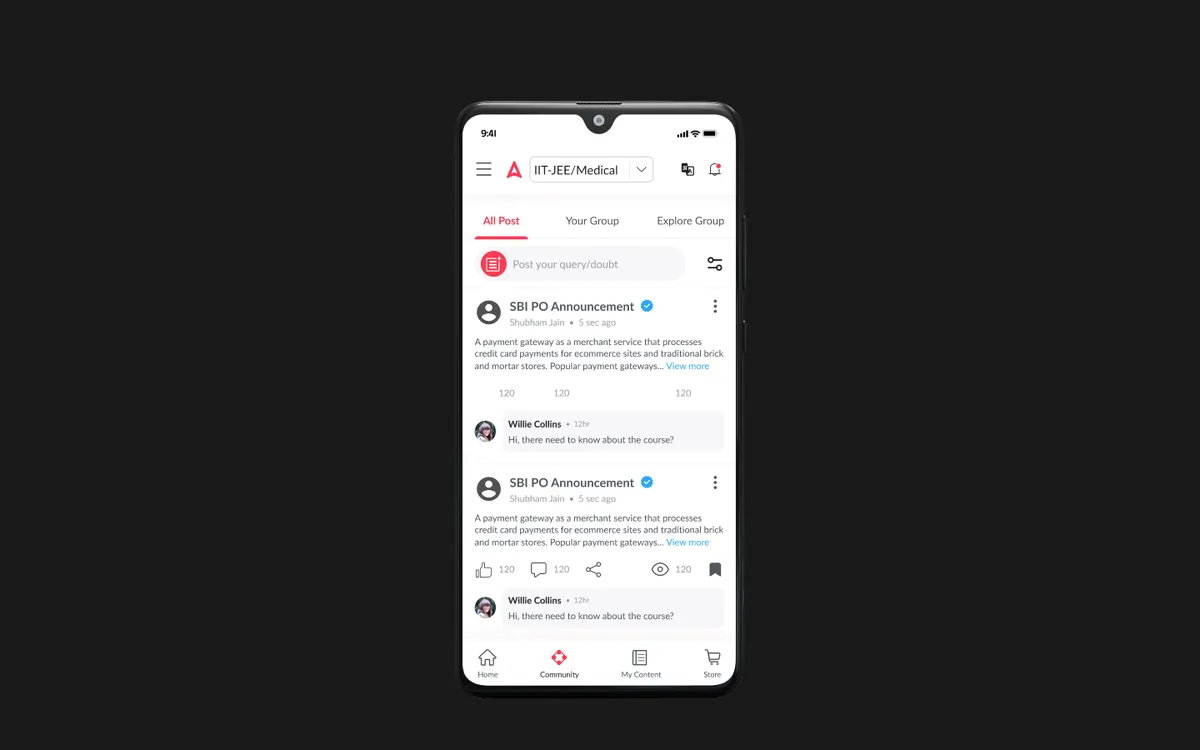
A vibrant community space that transforms isolated exam preparation into a collaborative, social experience. The Q&A forum enables students to post doubts with image and equation support, receive answers from peers and verified experts, and upvote the best responses. Subject and topic tags ensure questions reach the right audience, while a notification system alerts students who can help based on their expertise areas. The average doubt resolution time dropped from days to under 30 minutes.
Study groups bring together students preparing for the same exam with shared daily goals, group challenges, and progress comparisons. The gamification layer — featuring reputation points, 25 distinct badges, weekly leaderboards, and level progression — creates compelling engagement loops that keep students coming back. Expert contributors earn visible recognition that motivates continued participation. The moderation system ensures content quality through community voting, automated spam detection, and a team of verified experts who mark authoritative answers.
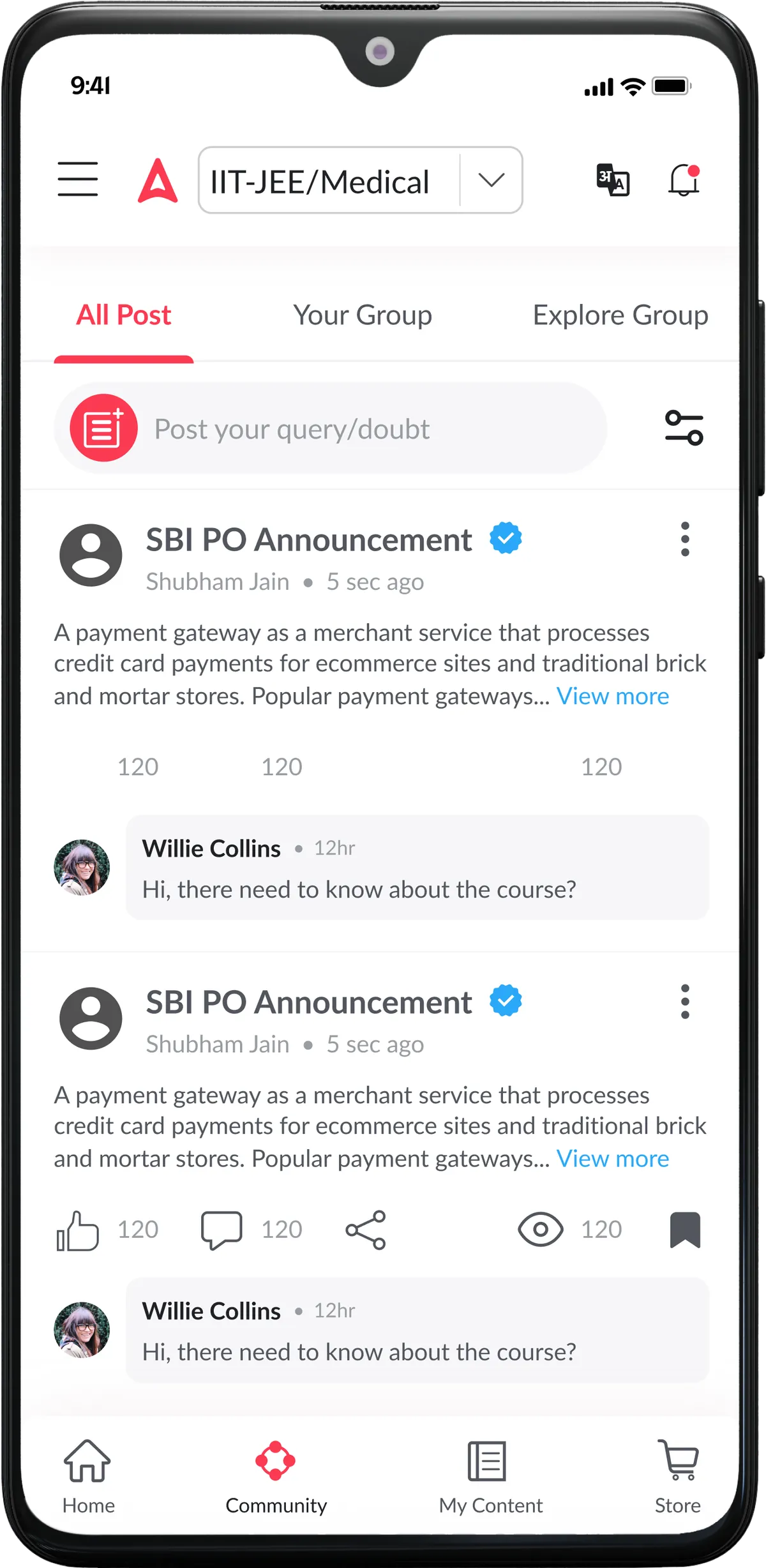
Content Sharing
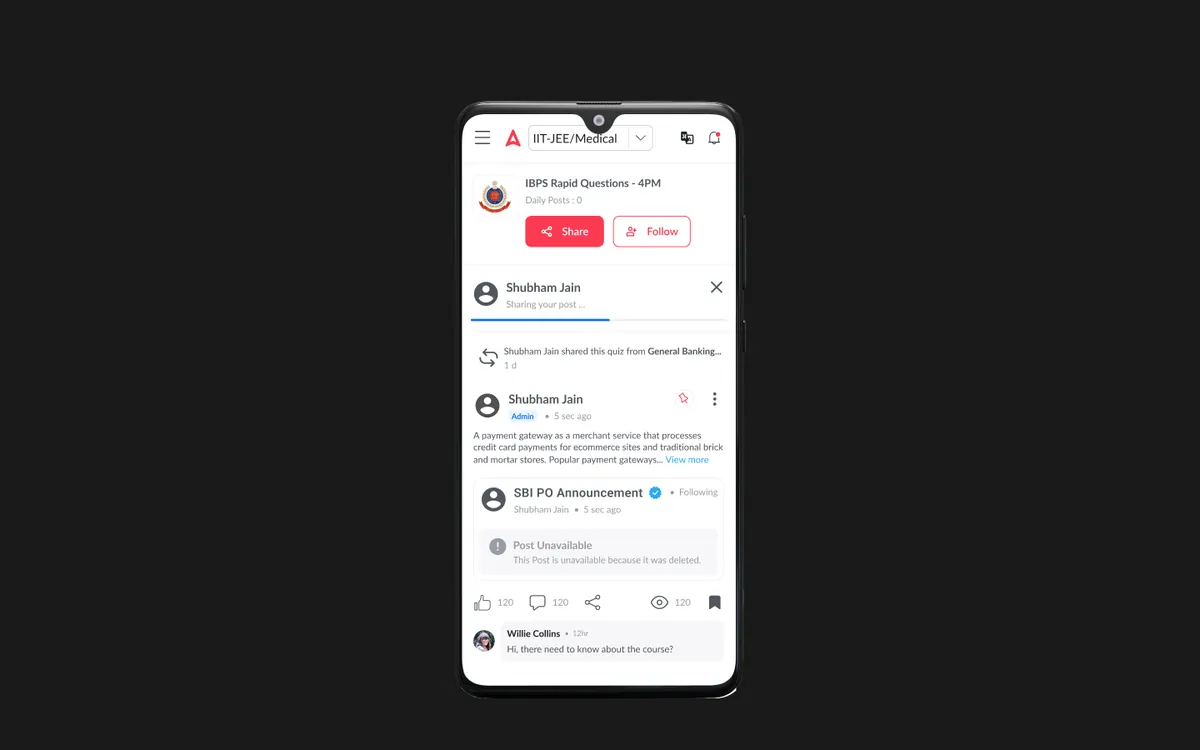
Share study tips, shortcut techniques, exam strategies, and motivational content in a moderated feed — creating a valuable user-generated content layer.
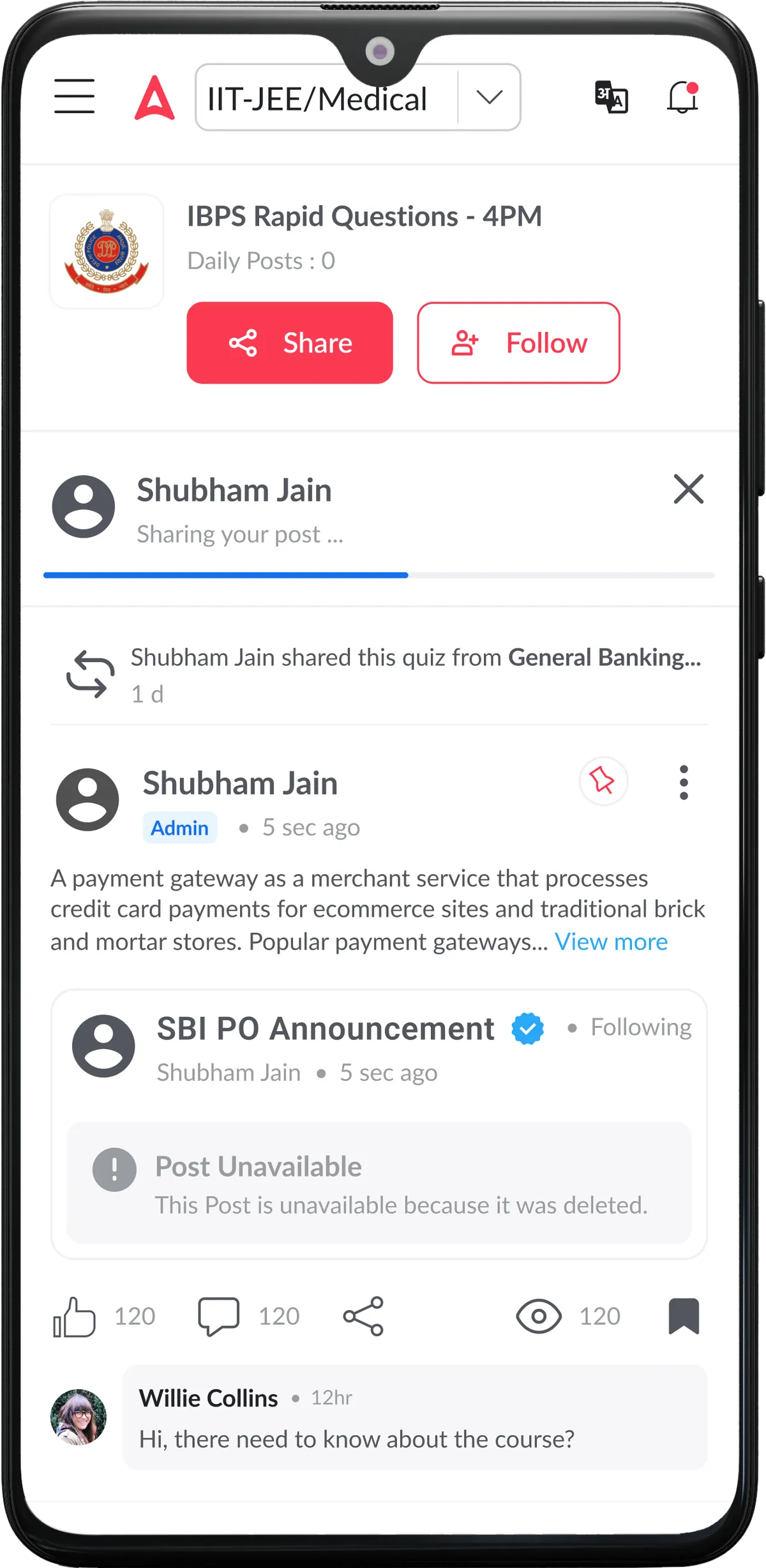
Study Groups
Small, focused groups of students preparing for the same exam with shared daily goals, group challenges, and mutual accountability.
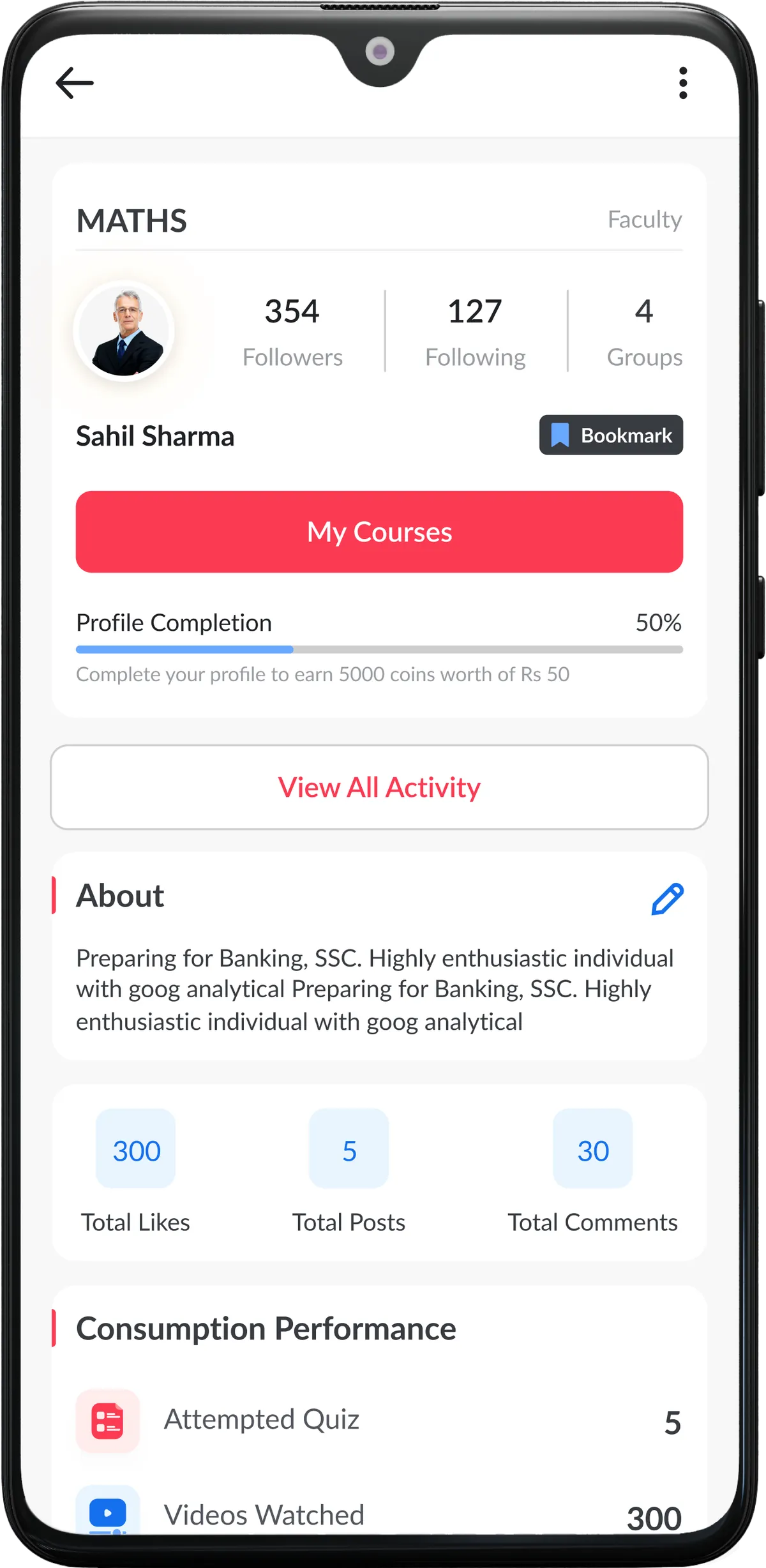
A profile that shows effort
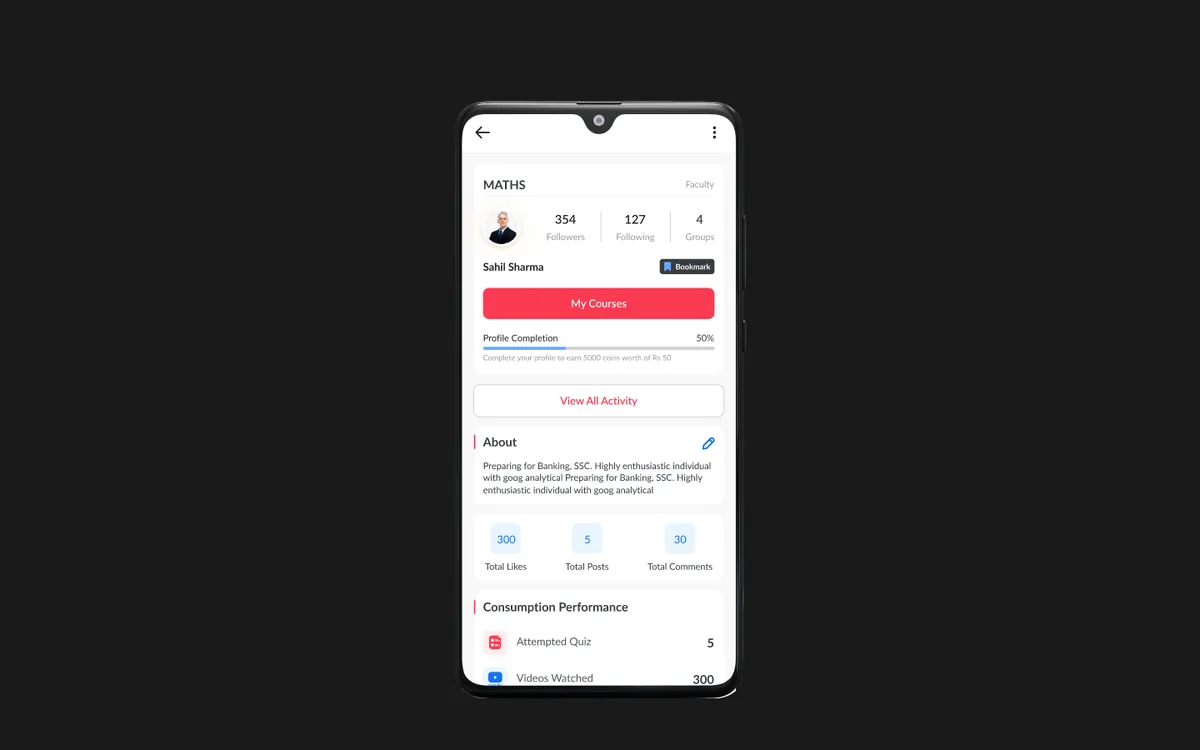
Profiles show what a student contributes and studies: followers, profile completion, likes, posts and comments, plus their consumption performance such as quizzes attempted and videos watched. Recognition is tied to real activity.
Design Highlights
Q&A Forum
Structured question-answer threads with image/equation support, voting, subject tagging, and expert verification — ensuring students get accurate, fast responses.
Doubt Resolution
Smart routing of doubts to students with proven expertise in the topic, with average resolution time under 30 minutes — faster than any teacher support system.
Gamification & Badges
25 distinct badges across expertise, helpfulness, consistency, and participation categories — with visible reputation scores and weekly leaderboards driving engagement.
Expert Answers
Verified expert badges for top contributors and teachers, with their answers visually distinguished and prioritized in search results and doubt threads.
Gallery
The community, screen by screen
Frequently asked questions
What is Community Module?
Building a collaborative community for peer-to-peer learning — enabling doubt resolution, study groups, and gamified knowledge sharing.
What problem did Community Module solve?
Students prepared in isolation with no peer support system. When they encountered a difficult concept or a tricky question, their only option was to wait for a teacher's response — which could take hours or days. This led to frustration, stalled progress, and a sense of loneliness that is well-documented in educational psychology as a major factor in dropout rates. Students preparing for the same exam had no way to connect, share strategies, or motivate each other. The question we set out to answer: How might we turn months of solitary exam preparation into something students do together, where doubts get answered quickly and good contributors are recognised?
How did Designit approach Community Module?
We worked in 4 phases: Discovery & Research; information architecture; wireframing & prototyping; visual design & handoff. We studied successful community platforms — Reddit for threaded discussions, Discord for real-time group interaction, Stack Overflow for structured Q&A, and Duolingo for educational gamification.
Why add a community to an EdTech app?
Because exam preparation is lonely and doubts stall progress. A community gives students faster answers from peers and experts, a reason to come back daily and a place for strong students to share what works.
What features does a learning community need?
A structured Q&A with voting and expert verification, small study groups around a shared exam, a moderated feed for tips, profiles that reflect real contribution, and moderation tools for the team.
Does gamification work in learning communities?
When it rewards expertise and helpfulness rather than raw activity. In testing, students valued badges tied to subject expertise more than generic activity badges.
How do you keep a student community useful rather than noisy?
Let quality rise: upvotes and expert verification bring the best answers to the top, tags route questions to the right people, and moderators get flagging and reputation tools.
How long does a Designit engagement take?
A Design Sprint is delivered in 5 business days. Full product design engagements run 4–12 weeks depending on scope. Monthly retainers are ongoing, with one active request at a time and a 24-hour response time.
Which regions does Designit work with?
Designit is based in Noida, India, and works with clients in India and the UAE; we also take on projects for teams in the United States and the United Kingdom. All communication is in English, and invoices are in the client's market currency: INR in India, USD in the US, GBP in the UK, and USD or AED in the UAE. Working hours overlap with EST and PST for US teams and with GMT for UK teams, so scheduled calls land inside a normal working day on both sides.
Who actually works on the engagement?
Senior practitioners, from kickoff through to developer handoff. There are no account managers in the middle, no junior hand-offs once a contract is signed, and no offshore layer. Clients talk directly to the people producing the work, which is what keeps the feedback loop short enough to ship in days rather than weeks.
What tools does the studio work in?
Figma is the primary canvas, with prototyping in Figma or Protopie and engineering handoff through Figma Dev Mode. Research runs on Maze and Hotjar. Project tracking sits in Notion or Linear, and teams are welcome to work inside their own stack instead.
More projects
Keep exploring
Adda247
Homepage Revamp
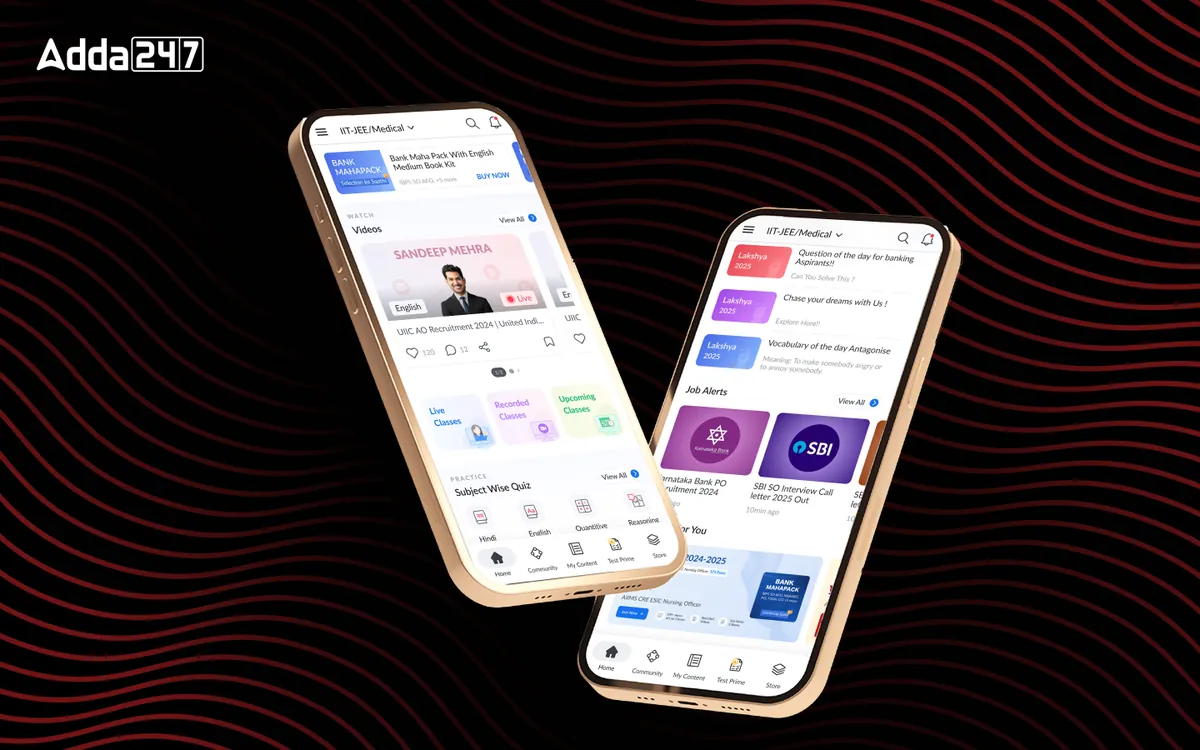
A cluttered feed turned into a home organised around Watch, Practice and Read.
View case studyAdda247
Homepage Revamp
A cluttered feed turned into a home organised around Watch, Practice and Read.
View case study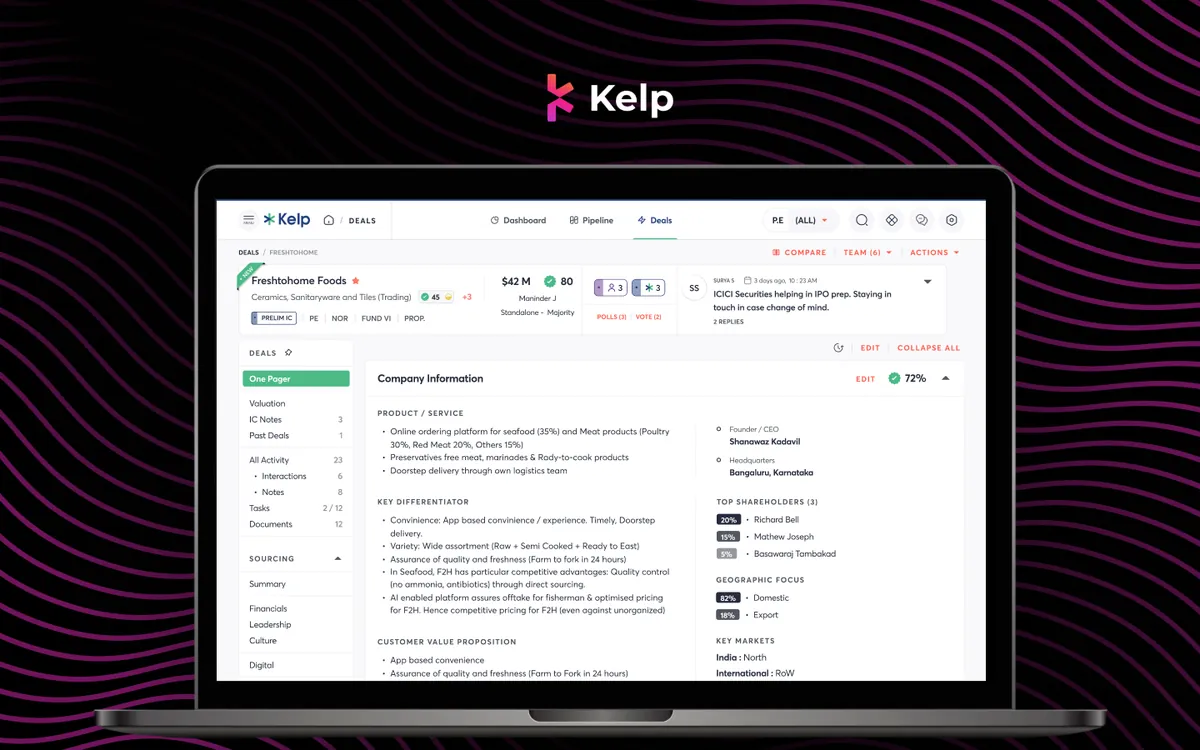
Kelp Global
Deals Module
Every deal's one-pager, IC notes, valuation and documents in one place, with companies compared side by side.
View case studyHave a similar problem?
Tell us what is not working. We'll tell you where we would start, and whether we're the right partner for it.