
Tata Elxsi · Automotive HMI
Digital Instrument Cluster
Digital cockpit instrument cluster with clear visual hierarchy and adaptive display.
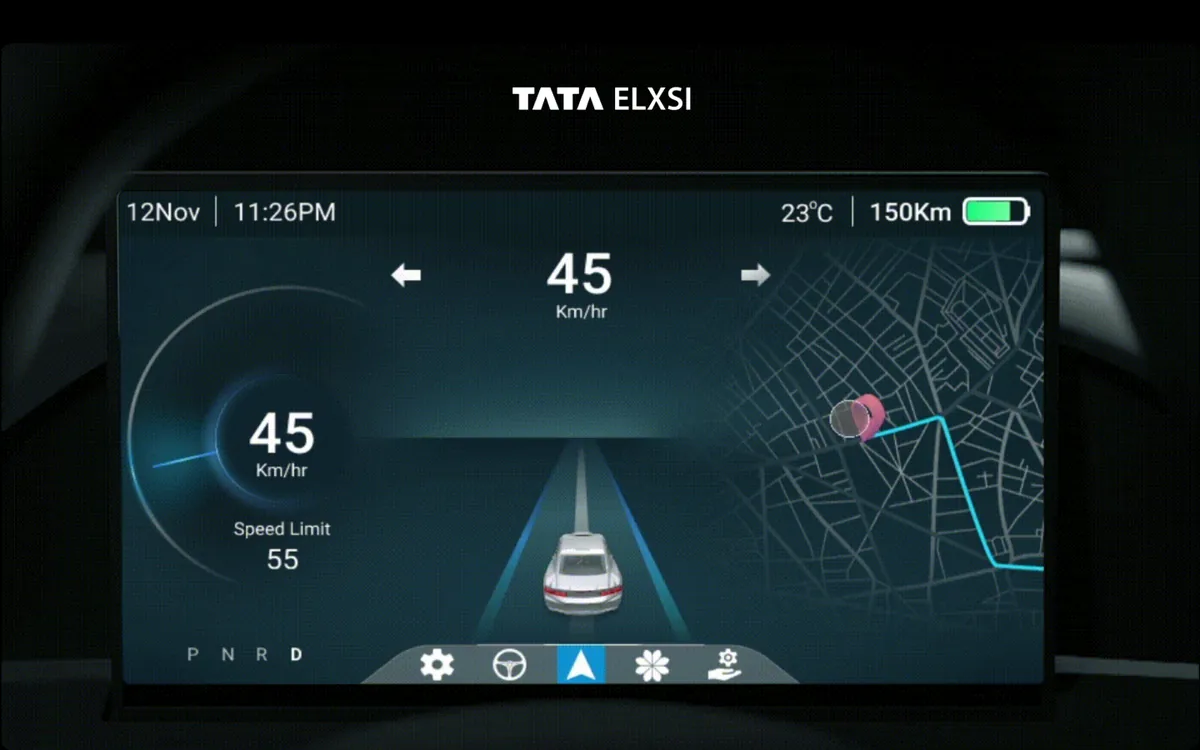
Overview
Beyond Analog Gauges
The digital instrument cluster replaces traditional analog gauges with a fully programmable display that adapts to driving conditions, modes, and driver preferences. We designed adaptive display modes for city driving, highway cruising, sport, and eco — each prioritizing different information based on what matters most in that context. The design system was built with strict automotive contrast ratios and readability standards, ensuring critical information is always instantly scannable.
- Tools
- Figma, After Effects, Prototyping
- Category
- Automotive HMI
- Services
- Cluster Design, Motion Design, Design System
Problem statement
How might we use a digital cluster to show drivers more of what matters in each moment, without losing the instant readability of analog gauges?
Empathize
Who we designed for
Drivers read the cluster in fractions of a second, in every light condition, at every speed.
City drivers
Need speed, navigation and alerts at a glance in busy traffic.
Highway drivers
Need cruise and driver-assistance status, range and the road ahead.
The OEM
Needs automotive-grade readability and contrast in a reusable system.
Pain points
Early digital clusters just imitated analog gauges.
Different driving situations need different information.
Mode changes can distract if they are abrupt.
Readability had to hold in direct sunlight and at night.
Problem Statement
The Challenge
Traditional analog clusters were being replaced by digital screens, but early digital clusters simply mimicked analog gauges without leveraging the medium's capabilities. This was a wasted opportunity — digital displays can show contextual information, adapt to conditions, and present data in ways that physical gauges never could. The challenge was designing a system that leverages digital capabilities while maintaining the instant readability that analog gauges provided through decades of driver familiarity.
Design Process
How We Approached It
- Phase 01
Information Needs Research
We researched driver information needs at different speeds and conditions, studying ergonomic guidelines from SAE International and automotive HMI research papers.
We cataloged every piece of information a driver might need — from critical (speed, warnings) to useful (range, temperature) to informational (media, calls). This hierarchy became the foundation for our adaptive display logic, ensuring the most important data is always visible regardless of mode.
- Phase 02
Adaptive Mode Design
We designed four adaptive display modes: city driving prioritizes speed and navigation with simplified gauges; highway mode emphasizes cruise control, fuel range, and ADAS status; sport mode features a tachometer-centric layout with lap timing and performance data; eco mode shows efficiency metrics, regenerative braking indicators, and range optimization.
Each mode was designed as a complete, self-contained visual system with smooth transitions between them.
- Phase 03
Transition Animation
We prototyped animation transitions between modes, ensuring zero distraction during mode changes.
The transitions use morphing animations that maintain spatial consistency — the speedometer always stays in the same relative position, but surrounding elements reorganize around it. We measured glance disruption during transitions in simulator tests, iterating until mode changes were imperceptible to drivers focused on the road.
- Phase 04
Automotive Design System
We created a comprehensive design system for automotive UI with strict contrast ratios (minimum 7:1 for critical info), readability standards calibrated for peripheral vision, and a color language where red always means critical, amber means caution, and green means normal.
The system includes guidelines for every lighting condition from bright sunlight to complete darkness, with automatic brightness and color temperature adjustment.
Solution
What We Delivered
A production-ready digital instrument cluster with four adaptive display modes that prioritize information based on driving context. The design system ensures automotive-grade readability under all conditions, while seamless mode transitions maintain driver focus. The work was published on Behance and recognized within the automotive HMI design community.
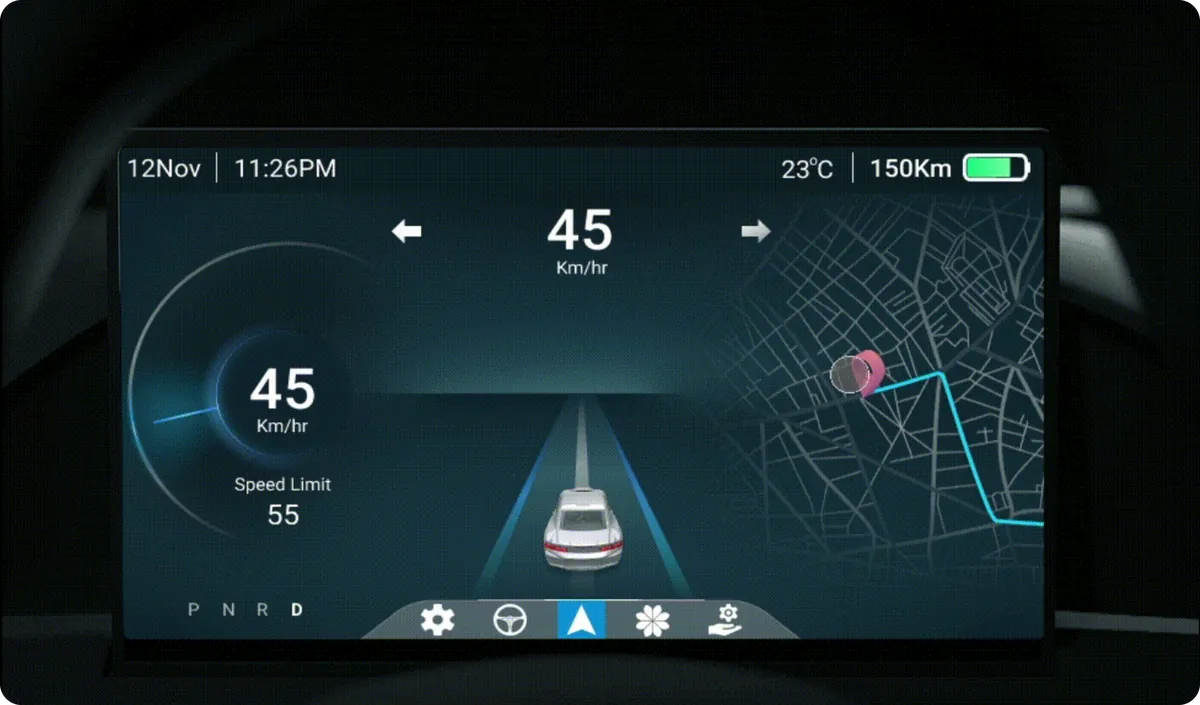
Navigation Overlay
Turn-by-turn navigation integrated directly into the cluster with upcoming maneuver previews.
What Makes It Stand Out
Adaptive Display Modes
Four context-aware modes: City, Highway, Sport, and Eco — each optimized for different driving needs.
Speed-based Layout
Automatic layout adaptation based on vehicle speed for safety-first information display.
ADAS Integration
Visual representation of advanced driver assistance systems including lane keep and adaptive cruise.
Night Mode
Automatic brightness and color temperature adjustment for comfortable night driving.
Vehicle Health Monitoring
Real-time vehicle diagnostics with clear warning hierarchy and maintenance reminders.
Frequently asked questions
What is Digital Instrument Cluster?
Digital cockpit instrument cluster with clear visual hierarchy and adaptive display.
What problem did Digital Instrument Cluster solve?
Traditional analog clusters were being replaced by digital screens, but early digital clusters simply mimicked analog gauges without leveraging the medium's capabilities. This was a wasted opportunity — digital displays can show contextual information, adapt to conditions, and present data in ways that physical gauges never could. The challenge was designing a system that leverages digital capabilities while maintaining the instant readability that analog gauges provided through decades of driver familiarity. The question we set out to answer: How might we use a digital cluster to show drivers more of what matters in each moment, without losing the instant readability of analog gauges?
How did Designit approach Digital Instrument Cluster?
We worked in 4 phases: Information Needs Research; adaptive mode design; transition animation; automotive design system. We researched driver information needs at different speeds and conditions, studying ergonomic guidelines from SAE International and automotive HMI research papers.
What is a digital instrument cluster?
The programmable display behind the steering wheel that replaces analog gauges. Because it is a screen, it can adapt what it shows to the driving situation.
How should a digital cluster adapt to driving modes?
By prioritising different information: city mode favours speed and navigation, highway mode cruise, range and driver assistance, sport and eco modes their own data, with smooth transitions that keep elements in familiar positions.
What contrast and readability standards apply to cluster displays?
Critical information needs very high contrast; this system uses a minimum of 7:1 for critical data, with type sizes calibrated for viewing distance and testing in bright and dark conditions.
How do you animate mode changes without distracting the driver?
Use short, spatially consistent transitions so elements morph rather than jump, keeping the driver oriented while the layout changes.
How long does a Designit engagement take?
A Design Sprint is delivered in 5 business days. Full product design engagements run 4–12 weeks depending on scope. Monthly retainers are ongoing, with one active request at a time and a 24-hour response time.
Which regions does Designit work with?
Designit is based in Noida, India, and works with clients in India and the UAE; we also take on projects for teams in the United States and the United Kingdom. All communication is in English, and invoices are in the client's market currency: INR in India, USD in the US, GBP in the UK, and USD or AED in the UAE. Working hours overlap with EST and PST for US teams and with GMT for UK teams, so scheduled calls land inside a normal working day on both sides.
More projects
Keep exploring
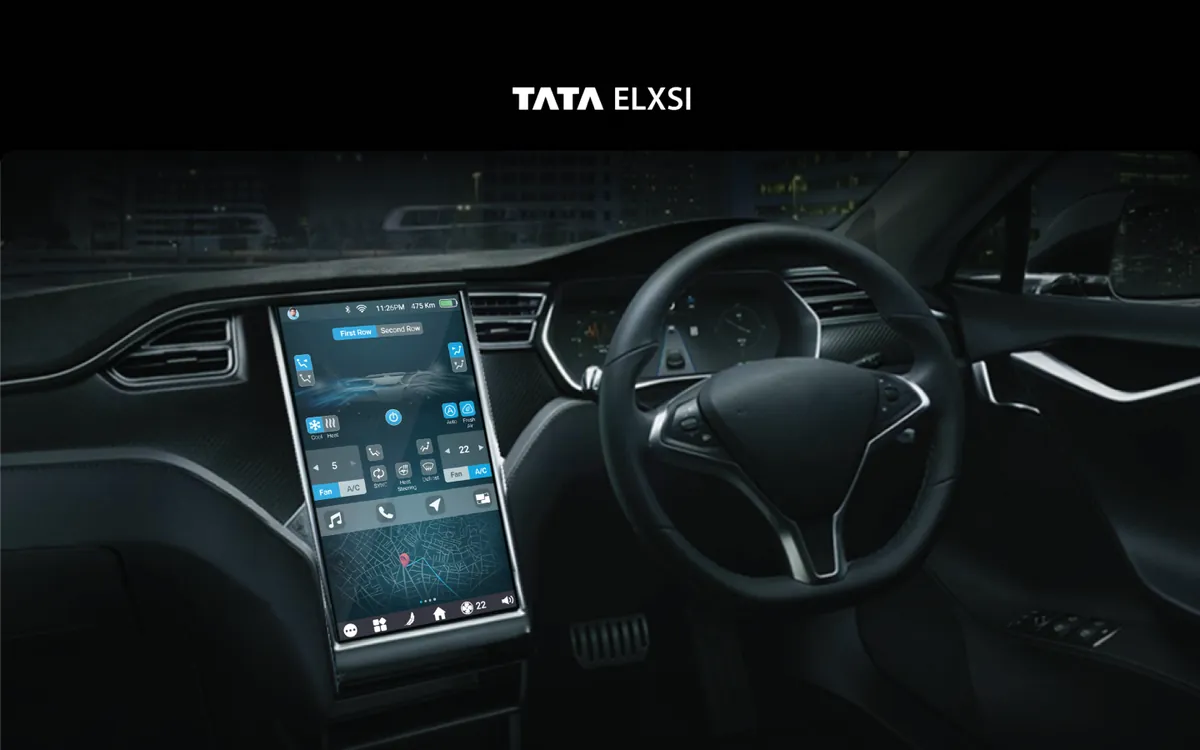
Tata Elxsi
Infotainment System
An in-car infotainment system that keeps essential controls one tap away and eyes on the road.
View case studyTata Elxsi
Infotainment System
An in-car infotainment system that keeps essential controls one tap away and eyes on the road.
View case study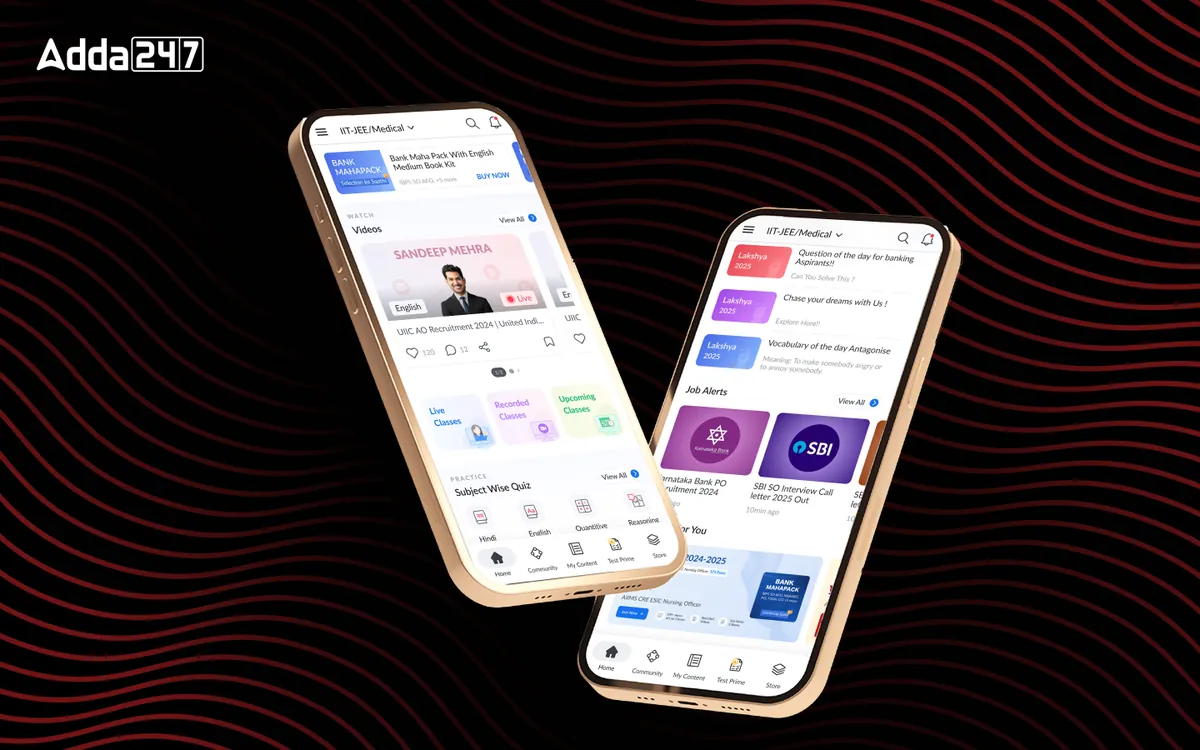
Adda247
Homepage Revamp
A cluttered feed turned into a home organised around Watch, Practice and Read.
View case studyHave a similar problem?
Tell us what is not working. We'll tell you where we would start, and whether we're the right partner for it.